






Valentine Gift Ideas: 25 Thoughtful Picks for Every Budget (2026 Guide)
February 02, 2026
Valentine’s Day gifting has quietly changed. People still buy flowers and chocolate—but more and more, they’re spending on gifts that feel personal, last longer than a weekend, and fit real life (busy schedules, shared apartments, long-distance, kids, pets, you name it). In fact, the National Retail Federation (NRF) expects record Valentine’s spending in 2026 and a record average spend per person.
So this isn’t a “here are 25 random things” list. It’s a practical, consumer-style guide built for decision-making: pick a budget, match the gift to the person, then add one tiny personal detail that makes it unmistakably theirs.
The 60-second method: how to choose a gift that feels thoughtful (not generic)
Before you scroll the list, take 60 seconds to anchor your choice—because the same budget can feel wildly different depending on why you’re gifting. Start by choosing the intention, then use a simple clue system to make it personal, and finish with a quick checklist so nothing backfires.
Step 1: Pick your gift intention (choose ONE)
Make them feel seen → sentimental, memory-based giftsMake life easier → upgrades they’ll use dailyMake more moments → shared experiences you’ll both remember
Step 2: Use the “2 clues + 1 proof” formula
Clue #1 (habit): what they do on repeat (coffee, gym, skincare, commuting, reading, cooking)
Clue #2 (story): a shared moment (first date, a trip, an inside joke, “that one week” you got through together)
Proof (the clincher): a small personalization (note, engraving, preloaded photos, a playlist, a date plan card)
Step 3: Quick “don’t mess this up” checklist
Sizing (loungewear/jewelry), scent sensitivity (candles/fragrance), allergies (food gifts), duplicates (do they already own it?), shipping timeline.
Budget map: what each tier should feel like (emotionally)
Price doesn’t automatically equal meaning—each budget tier has its own “sweet spot” for emotional impact. Use the guide below to pick the lane that matches your relationship and your message, then jump straight to the gift ideas in that range.
Under $25: small but unmistakably personal
$25–$50: everyday upgrades that quietly say “I pay attention”
$50–$100: elevated essentials with real gift weight
$100–$250: shared experiences or meaningful home/tech upgrades
$250+: big gestures that create ongoing joy, not just a one-night moment
25 thoughtful Valentine’s gifts (organized by budget)
Who it’s for, why it feels thoughtful, what to look for, and one simple way to personalize it. Choose your budget tier first, then skim for the person-type that matches your partner.
A) Under $25 — “Small, personal, never random” (5 picks)
1) “Open-When” letter set (5–10 mini notes)
Best for: sentimental partners, long-distance, anyone who loves wordsWhy it feels thoughtful: it’s future-you showing up for themWhat to look for: simple envelopes, clean prompts, your handwritingEasy personalization: label each one: “Open when you can’t sleep,” “Open when you miss me,” “Open when you need a laugh”Pair-with tip: tuck in a tea bag, a photo strip, or a tiny printed playlist QR
2) Mini photo print pack + simple display stand
Best for: couples who take photos but never print themWhy it feels thoughtful: it turns “camera roll memories” into real-life decorWhat to look for: matte prints, small sizes, sturdy standPersonal touch: add captions on the back (“This is when you couldn’t stop laughing”)Pair-with: a short note: “More of us, out in the open.”
3) Hot cocoa (or tea) “stay-in date” kit
Best for: homebodies, winter birthdays, cozy routinesWhy it feels thoughtful: it’s not just ingredients—it’s a planned momentWhat to look for: quality cocoa/tea, marshmallows/biscuitsPersonal touch: write a “date menu” card (drink + movie + snack)Pair-with: a candle or a playlist you made
4) Playful “date coupons” booklet (acts of service + inside jokes)
Best for: busy couples who struggle to schedule timeWhy it feels thoughtful: it’s commitment disguised as cuteWhat to look for: a mix of practical + romantic (“I’ll handle dinner,” “No-phone walk,” “Back rub”)Personal touch: add one “wildcard” they can redeem anytimePair-with: a calendar invite screenshot printed on paper (yes, really)
5) Tiny DIY craft for two (mini build kit / clay / embroidery starter)
Best for: couples who like doing things togetherWhy it feels thoughtful: you’re gifting an activity, not clutterWhat to look for: beginner-friendly, low-messPersonal touch: choose a theme that references your relationship (a tiny house, a cat, a ramen bowl)Pair-with: “We’re building this on Friday.”
B) $25–$50 — “Everyday wins” (5 picks)
6) Silk/satin pillowcase set
Best for: beauty lovers, anyone who values sleep comfortWhy it feels thoughtful: a nightly upgrade is a daily reminderWhat to look for: smooth fabric, easy-wash care instructionsPersonal touch: include a note: “For better sleep (and fewer bad hair mornings).”Pair-with: a mini sleep spray or tea
7) Scented candle tied to a shared memory
Best for: cozy-romance people, “vibes” householdsWhy it feels thoughtful: scent anchors memoryWhat to look for: clean burn, a scent profile that fits them (not you)Personal touch: name the candle on the tag: “Sunday Morning,” “That Cabin Trip,” “Kitchen Dancing”Pair-with: a playlist called the same thing
8) Personalized card holder or key organizer
Best for: minimalists, commuters, practical partnersWhy it feels thoughtful: useful + personal without being cheesyWhat to look for: durable material, simple engravingPersonal touch: initials, a short phrase only you two usePair-with: a handwritten “life admin love letter” (2–3 sentences)
9) Coffee/tea sampler with tasting notes
Best for: caffeine ritual peopleWhy it feels thoughtful: you noticed their routine and upgraded itWhat to look for: variety + tasting guidePersonal touch: circle the “best one,” write whyPair-with: their favorite mug or a small spoon
10) Conversation card deck for couples
Best for: “we talk, but we don’t always talk” couplesWhy it feels thoughtful: it creates connection without forcing itWhat to look for: question quality, not gimmicksPersonal touch: pre-pick 10 cards and mark them with little starsPair-with: dessert at home
C) $50–$100 — “Better quality, still practical” (5 picks)
11) Custom star map or “where we met” coordinates print
Best for: sentimental partners who love meaning-over-stuffWhy it feels thoughtful: it turns a moment into artWhat to look for: clean design, readable text, good printingPersonal touch: include date + location + one sentence (“I’d choose you again.”)Pair-with: a frame (seriously—frames make gifts feel complete)
12) Engraved insulated tumbler (daily-use love note)
Best for: gym, commuting, desk-life routinesWhy it feels thoughtful: it follows them through the dayWhat to look for: leak resistance, easy cleaningPersonal touch: engraving that isn’t cringe (“Drive safe,” “Hydrate,” a nickname)Pair-with: a handwritten “refill reminder” note
13) At-home pasta-making or dessert-making kit
Best for: couples who bond through foodWhy it feels thoughtful: it’s a built-in dateWhat to look for: clear instructions, quality ingredientsPersonal touch: add a “restaurant name” for your kitchen and a menu cardPair-with: a cheap candle + music = instant mood
14) Premium robe or lounge set
Best for: homebodies, self-care people, cozy minimalistsWhy it feels thoughtful: comfort is intimateWhat to look for: fabric feel, size range, easy returnsPersonal touch: attach a note: “For slow mornings with me (even when I’m not there).”Pair-with: #3 cocoa kit
15) Wireless charging stand + cable/desk organizer
Best for: “my desk is chaos” partnersWhy it feels thoughtful: it reduces daily frictionWhat to look for: stable stand, multi-device compatibilityPersonal touch: label it “Command Center” with a small notePair-with: a funny “tech support coupon” (#4 vibe)
D) $100–$250 — “Turn romance into a shared project” (5 picks)
16) Couples massage / spa day (or curated home-spa set)
Best for: stressed couples, parents, burnout seasonWhy it feels thoughtful: rest is a love languageWhat to look for: real scheduling availabilityPersonal touch: write a card: “This is a ‘nothing to do’ day.”Pair-with: dinner somewhere easy after
17) Class for two (pottery, cooking, dance, photography)
Best for: couples who want memoriesWhy it feels thoughtful: you’re investing in time togetherWhat to look for: beginner-friendly, date optionsPersonal touch: print a one-page “class night plan” (time + outfit suggestion + post-class treat)Pair-with: a tiny notebook to record “what we learned”
18) Smart digital photo frame (preloaded by you)
Best for: long-distance, families, sentimental partnersWhy it feels thoughtful: it’s a living memory loopWhat to look for: easy upload, good screen, privacy controlsPersonal touch: pre-load albums named like chapters: “Firsts,” “Weekends,” “Home”Pair-with: one printed photo for the wallet
19) Fragrance discovery set (choose “your scent” together)
Best for: people who love personal styleWhy it feels thoughtful: it avoids buying the wrong bottleWhat to look for: variety and a way to pick a favoritePersonal touch: turn it into a “scent date” at homePair-with: #10 conversation deck for a full night
20) Quality headphones or speaker (shared soundtrack gift)
Best for: music people, commuters, WFH setupsWhy it feels thoughtful: it upgrades their daily moodWhat to look for: comfort and return policyPersonal touch: create a playlist titled “For the days you need me”Pair-with: a handwritten tracklist (old-school, charming)
E) $250+ — “Big gestures, ongoing joy” (5 picks)
21) One-night getaway with a printed mini itinerary
Best for: couples craving a resetWhy it feels thoughtful: planning is part of the giftWhat to look for: a realistic schedule (no 6 a.m. hikes unless they love that)Personal touch: include one “surprise moment” (a café, a view, a tiny keepsake)Pair-with: a disposable camera or photo plan
22) Meaningful jewelry (subtle > flashy)
Best for: classic romantics, “I’ll wear this forever” peopleWhy it feels thoughtful: meaning beats priceWhat to look for: simple designs, comfortable wearPersonal touch: initials, coordinates, a birthstone, or an engraved datePair-with: a note that explains the meaning in one sentence
23) Loona Petbot (AI companion “pet” robot)
Best for: tech lovers, families with kids, couples who want more “home joy”Why it feels thoughtful: it’s not just a thing—it’s daily interaction: playful moments, routines, and a shared “new character” in the house.What to look for: Loona is positioned as a family companion with interactive games and voice-driven experiences. Personal touch: present it with a “Welcome home, Loona” card and a silly weekly tradition (e.g., “Friday night: Loona game + dessert”).
This Valentine’s offer won’t last long—Feb 5–14 only. Enjoy $50 off Loona and a FREE Limited Collar while supplies last.
24) Luxury bedding starter set (sleep upgrade = long-term romance)
Best for: practical romantics, new homes, people who love comfortWhy it feels thoughtful: every night becomes a little betterWhat to look for: breathable fabric, honest care instructionsPersonal touch: include a “Sunday morning” plan: coffee in bed, no alarmsPair-with: #6 pillowcases for a complete set vibe
25) “A Year of Dates” envelope set (12 planned themes)
Best for: couples who keep saying “we should do more”Why it feels thoughtful: it solves the planning problem for monthsWhat to look for: variety (stay-in, outdoors, learning, food, friends)Personal touch: add 1–2 envelopes that are hyper-specific to themPair-with: a shared calendar invite series
Whatever you choose, a thoughtful note is what turns it into a true Valentine gift —and if you’re planning a complete Valentine’s swap, check our Valentine gift for boyfriend ideas or Valentine gift for girlfriend ideas next.
Quick navigation: gifts by personality type
Not sure where your partner fits in the budget list? Use this section like a shortcut menu—pick the personality that sounds most like them, then jump back to the numbered gifts for details and easy add-ons.
For the homebody
#3, #7, #14, #24
For the sentimental partner
#1, #2, #11, #18
For the minimalist/practical one
#8, #12, #15
For the experience lover
#17, #21, #25
For families / couples who want “together-at-home” joy
18, #23 (Loona)
Conclusion
Valentine’s gifts don’t have to be complicated to feel meaningful. The best ones usually do three simple things: they match your partner’s real life, they reflect something only the two of you share, and they make room for a moment—whether that’s a cozy night in, a new ritual, or a memory you’ll keep replaying.
If you’re still deciding, use this quick shortcut: pick your budget lane, choose one intention (seen / easier / more moments), then add one “personal proof”—a handwritten note, a tiny engraving, a preloaded photo album, or a simple date plan card. That last step is what turns a purchase into a story.
FAQs
What are the best Valentine’s gifts on a budget?
Handwritten “Open-When” letters, printed photos, and a planned at-home date kit usually feel more personal than a random item—even under $25.
What should I buy for Valentine’s Day if I don’t know what they want?
Choose an “everyday upgrade” they’ll actually use (pillowcases, tumbler, desk charging station), then add one personal proof (a note, engraving, or a shared-memory tag).
What’s a good Valentine’s gift for couples who live together?
Focus on shared comfort or shared moments: lounge set + cocoa kit, a class for two, bedding upgrades, or a memory-forward photo frame.
What’s a unique high-budget Valentine’s gift for 2026?
Go for gifts that create ongoing joy: a planned getaway, a year of dates, or a companion-style tech gift like Loona that’s designed around interactive at-home experiences.

Best AI Toys in 2026: Top Smart Toys for Kids (Expert Picks)
January 30, 2026
AI toys have gotten a lot more capable—and also a lot more complicated. In 2026, the “best” AI toy isn’t the one with the longest feature list. It’s the one your child actually returns to after the first week, and the one you’re comfortable having in your home (especially if it has a mic and camera).
Below is a practical, parent-friendly shortlist of top smart toys for kids, plus a buying checklist that focuses on the stuff that matters: privacy controls, offline options, subscription traps, and age-appropriate design.
Top AI Toys in 2026 (Quick Picks at a Glance)
These are “expert picks” in the sense that they’re chosen by criteria + supported by reputable roundups and manufacturer specs.
Pick
Best for
Best age range
What makes it “smart”
Watch-outs
Loona
Pet-like companion + games + voice interaction
5+
Voice control, family recognition, app-enabled games, sensors (3D ToF/RGB/etc.), “using ChatGPT”
Connected device + built-in mics; review privacy + home setup
Miko “AI-Powered Smart Robot for Kids”
A chatty “desk buddy” robot with activities
5+
Personalizes over time; self-contained activities
Lots of content behind subscription
Wonder Workshop Dash
Coding through play (block-based app)
6–11
App-based coding that controls lights/sounds/movement
Requires compatible device
Makeblock mBot Robot Kit
Build + code starter kit
8–12
STEM coding tasks + expandable modules
Some features vary by bundle
Botley (Learning Resources)
Screen-light coding for younger kids
5+
Step-by-step coding play
Battery-hungry; interference if you buy two
Thames & Kosmos KAI: AI Robot
An AI-learning kit for older kids
10+ with help / 12+ solo
Hands-on AI concepts
More “learning kit” than companion
“AI toy” can mean anything from a coding robot to a talking companion. If you’re buying for a younger child, you’ll want a very different “smart” toy than you’d choose for a tween.
How We Chose These Expert Picks (What Actually Matters in 2026)
A toy can be impressive and still be a bad fit at home. Here’s the filter that keeps this list practical:
Replay value > first-day wowDoes it encourage new play patterns over time (games, creations, challenges), or does it become shelf decor after a weekend?
Age-appropriate “smart”For younger kids, the best “AI” is often predictable and bounded. For older kids, it’s creative control (coding, building, making projects).
Parent sanity: setup, subscriptions, and privacy
Does it work without a tablet glued to it?
Are core features locked behind a paywall?
Is it always listening / always connected—and can you control that?
This last point is not theoretical. Recent reporting and watchdog work have highlighted privacy and safety risks in AI toys—especially around data handling and inappropriate outputs.
What Counts as an “AI Toy” in 2026?
An AI toy is a toy that adapts—to your child’s speech, actions, preferences, or environment—rather than repeating the same scripted responses every time.
In practice, 2026 “AI toys” fall into three buckets:
1) AI companion toys (talk, react, bond)
These are the pet-like or character-like robots that kids treat like a “presence” in the room.
2) Smart coding & STEM toys (build, program, problem-solve)
Less “chat,” more “do.” Often a better fit for screen-time boundaries.
3) AI learning kits (teach concepts like pattern recognition)
Great for older kids, but usually not the best “gift wow” for younger ones.
Best AI Toys by Age
Kids don’t play the same way at every stage—and the “best” AI toy changes fast as attention spans, interests, and independence grow. Use the age guides below to find picks that match what your child can actually enjoy (and what you’ll actually feel good about at home).
Ages 3–5: Keep it simple, bounded, and supervised
Many experts urge caution with AI toys for very young kids, especially because of development and safety concerns. If you do buy “smart,” look for:
Short sessions (not open-ended chat)
Clear parental controls
A toy that encourages offline play (movement, building, pretend play)
Ages 6–8: The sweet spot for coding robots and guided “smart”
This is where kids love controlling a robot and seeing cause-and-effect.
Block-based coding toys can be perfect here
Companion robots can work too—if you’re comfortable with the connected-device side
Ages 9–12: Go for creation and customization
Older kids want tools, not just reactions.
Expandable build-and-code kits (mBot-style) tend to last longer
AI concept kits can be fun if your kid likes “how it works”
Featured Expert Pick: Loona — A Smart Pet-Style Companion Robot
If your kid constantly asks for a dog—and your household is not ready for the hair, walks, and vet bills—this is the category Loona is trying to solve: the feeling of a pet, without the pet logistics.
Best for
Kids who love pet-like companionship and interactive games
Families who want a robot that can be playful and also feel like a “character” at home
What makes Loona an “AI toy”
Loona supports voice-controlled interactions (kids can ask questions and play via voice commands) and includes interactive features like AI-generated visuals. It’s also positioned as sensor-rich, using 3D ToF and RGB plus motion sensors (accelerometer/gyroscope) to navigate and behave in the world.
Standout play features
App-enabled games and interactive play modes (examples mentioned include games like “bullfighting,” plus follow-the-leader)
AR pet feeding and kid-friendly programming using Google Blockly
Remote monitoring features are highlighted as part of staying “connected” to home
Family recognition is marketed as a way to avoid leaving anyone out
Parent reality check (the stuff people wish reviews mentioned earlier)
Battery / charging: 2 hours of continuous play and that Loona can return to the dock to recharge automatically.
Microphones: The Loona app page lists a 4-microphone array.
“Using ChatGPT” claim: Loona uses ChatGPT.
Translation: treat it like any other connected smart device in your home. Before it becomes “the new favorite,” take 10 minutes to set it up thoughtfully.
Conclusion
In 2026, the best AI toys aren’t simply the ones that “talk back” the most—they’re the ones that fit your child’s age, your family’s routines, and your comfort level with connected tech. A great smart toy should earn repeat play, encourage curiosity (or creativity), and feel like a net positive in your home—not another device you end up managing.
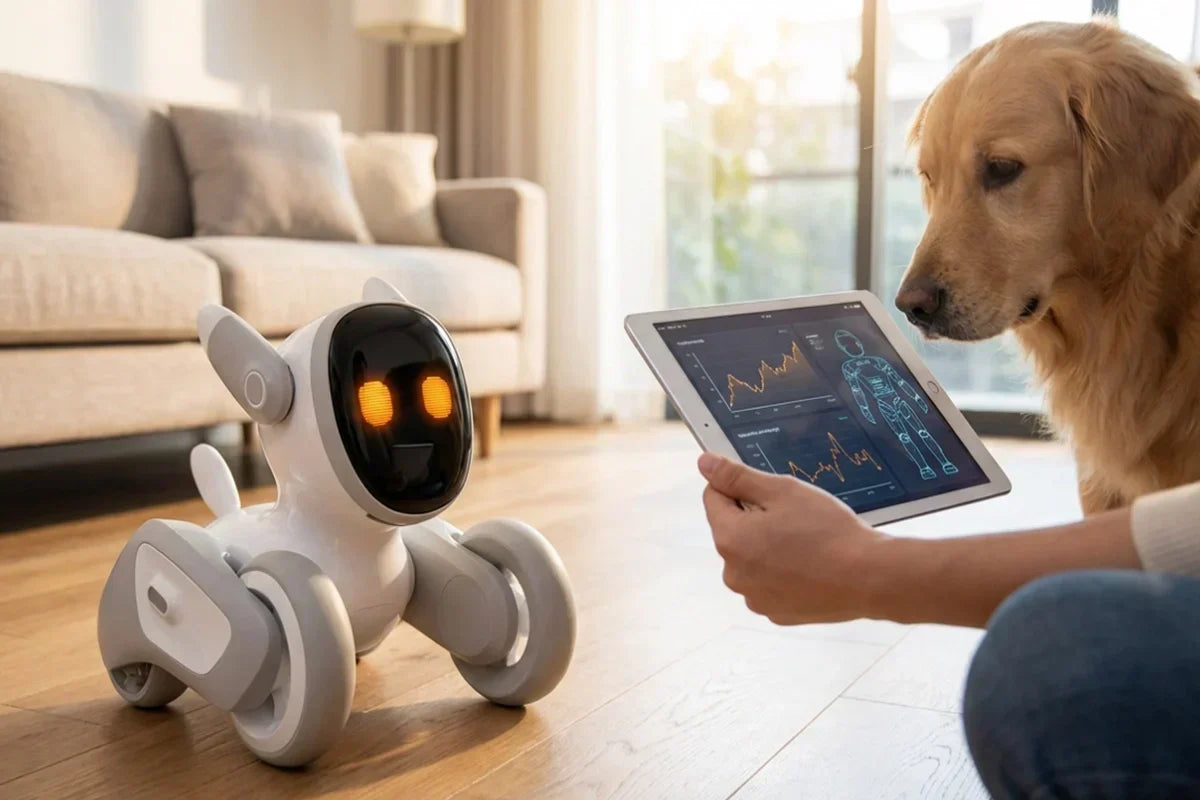
Pet AI Explained: What It Is, How It Works and Why It’s Trending
January 28, 2026
If you’ve ever caught yourself thinking, “I want the comfort of a pet, but my life isn’t built for one right now,” you’re not alone. That gap—between wanting companionship and managing the realities of time, space, allergies, and cost—is exactly where pet AI is showing up.
In the past year, AI pets have gone from quirky novelty to something people seriously consider for comfort, entertainment, and even routine-building. But what is pet AI, really? How does it work? And why is it suddenly everywhere?
Let’s break it down in plain English—no tech-speak required.
What Is Pet AI? (AI Pets, Virtual Pets, Robot Pets Defined)
Pet AI is a category of digital or physical companions designed to behave in pet-like ways—responding to you, forming routines, and creating the feeling of a relationship through interaction.
A helpful way to think about it:
A real pet has needs (food, care, vet visits) and a mind of its own.
A pet AI has behaviors that simulate needs and personality—powered by software, sensors, and personalization.
You’ll see pet AI described in different ways online, and it can get confusing. Here’s a quick translation:
AI pet / pet AI: The broad term for companions that use AI-like personalization and responsiveness.
Virtual pet: Usually an app-based pet on your phone or computer (sometimes AI-powered, sometimes simple).
Robot pet: A physical device that moves, reacts, and may include voice or sensor features.
AI companion pet: A more “relationship-forward” label, often emphasizing emotional support and conversation.
The core promise is the same: a pet-like bond built through interaction, not biology.
Types of Pet AI: Apps vs Smart Toys vs Robot Pets
Pet AI comes in a few common “formats,” and the format changes how attached people feel.
1) App-based AI pets
These live on your phone and typically focus on chat, mini-games, and check-ins.
Best for: low commitment, portability, easy trial
Tradeoff: can feel easier to ignore than a physical presence
2) Smart toys (toy + app)
Physical play, touch or motion input, plus simple companion features.
Best for: kids, casual play, quick novelty
Tradeoff: some are limited in long-term depth
3) Robot pets (the “in your home” option)
These move around, react to the environment, and tend to feel the most “pet-like.”
Best for: a real sense of presence, routines, family interaction
Tradeoff: higher cost, charging, and privacy settings to review
A real-world example: Loona is positioned as a family-friendly robot pet that combines games, voice interaction, and expressive behavior—so it fits into the “robot pet AI” bucket rather than being “just an app.”
How Does Pet AI Work? Sensors, Voice, Personalization, Memory
What makes pet AI feel believable isn’t one “big feature.” It’s a loop:
Sense → Interpret → Respond → Adapt
Sense: what the pet AI notices
Depending on the product, this can include:
Voice input (microphones)
Touch or tap input
Motion/position changes (picked up, carried, set down)
Visual cues (camera-based recognition)
Time-based habits (morning greetings, bedtime wind-down)
Interpret: how it decides what’s happening
Some systems use advanced AI; others use smarter “pattern matching.” Either way, the goal is the same: turn signals into meaning, like:
“You’re talking to me”
“You’re nearby”
“It’s playtime”
“This person is a familiar household member”
Respond: the “pet-like” moment
Here’s the part most people fall for (in a good way): tiny behaviors.
Timing (a beat before reacting)
Variation (not the exact same response every time)
Micro-expressions (looking curious, playful, shy, excited)
Adapt: personalization over time
Better pet AI products don’t just respond—they settle into your household rhythm.
For instance, Loona’s experience is described around voice interaction and family-oriented play, plus features like remote interaction/monitoring and an “auto recharge” behavior that makes day-to-day ownership smoother.
Why Pet AI Is Trending in 2026 (Culture + Tech + Lifestyle)
This trend didn’t appear out of nowhere. A few things clicked at the same time:
1) People want comfort with fewer constraints
Busy schedules, small apartments, allergies, travel, and rising costs make traditional pet ownership harder—yet the emotional need for companionship hasn’t gone away.
2) The experience got dramatically better
When pet AI used to feel repetitive, people got bored. Now, interaction design (and voice AI) is good enough that many products feel more responsive and “alive” in everyday moments.
3) It’s incredibly shareable
Pet AI creates quick, funny, heartwarming moments—exactly the kind of content people clip and post. That social loop fuels the trend.
Pet AI vs Virtual Pet vs Robot Pet: Key Differences
If you’re deciding what to try, use this quick comparison:
Virtual pet (often app-based)
Pros: inexpensive, easy to start, portable
Cons: less presence, easier to forget
Pet AI (broad category)
Pros: personalization and smarter responses
Cons: quality varies a lot by brand/model
Robot pet (physical)
Pros: most “pet-like” in the room, tactile, routine-friendly
Cons: cost, charging, and privacy settings matter
Rule of thumb: If you want presence, go physical. If you want low friction, start with an app.
Best Uses for Pet AI (Kids, Seniors, Apartments, Stress Relief)
Some use cases are where pet AI shines:
Best for apartment dwellers
Pet-like companionship without pet restrictions or daily cleanup
Best for kids
Games, interaction, and “character-like” companionshipLoona, for example, leans into kid-friendly play and learning-oriented experiences (like games and simple programming activities).
Best for seniors
A gentle daily “hello,” plus routine and presence
Best for stress relief
Short interactions that help reset the day (like a mini break you’ll actually take)
Best for frequent travelers
Companion energy, without arranging pet care every time you leave town
How to Choose a Pet AI: Features, Privacy, Price, Durability
When consumers regret a purchase, it’s usually because they bought the “demo,” not the daily reality. Here’s what to check.
1) The features that matter every day
Responsiveness: does it react quickly and naturally?
Variety: does it avoid repeating the same few behaviors?
Battery + charging habits: does it handle itself smoothly?
Durability: especially if kids will touch it constantly
Multi-user support: can the whole household use it?
Some robot pets are designed to return to a charging dock automatically when battery is low (a small thing that makes ownership feel effortless). Loona explicitly supports self-charging/auto recharge and routing back to the dock.
2) A practical privacy checklist
Before buying:
Does it record audio/video, and can you disable it?
Can you delete history or reset the device?
Is there a clear privacy policy and support channel?
Are there family/child controls where relevant?
Loona’s official descriptions also emphasize “secure” voice interactions and peace-of-mind language for families; still, buyers should review settings and policies that apply to their usage.
3) Price: the “second bill” problem
Ask what you’ll pay over time:
Subscriptions (if any)
Accessories and replacement parts
Shipping/taxes differences by region
Conclusion
Pet AI is trending because it fits modern life: it offers a pet-like relationship without the full logistical load. For some people, it’s a starter step before getting a real pet. For others, it’s the right solution on its own.
If you’re exploring robot pet AI specifically, Loona is one example positioned around family play, voice interaction, and self-charging—helpful as a benchmark when comparing similar products.
FAQ
What is a pet AI?
A pet AI is a digital or physical companion designed to behave like a pet by responding to voice, touch, routines, and personalization.
Is pet AI safe for kids?
It can be, especially kid-focused products—just make sure you review privacy controls, durability, and age guidance.
Does pet AI record audio or video?
Some devices may use microphones/cameras to enable features. Always check whether those functions can be turned off and how data is handled.
Can pet AI work offline?
Some basic interactions may work offline, but advanced features may require internet access depending on the product.
Is pet AI the same as a robot pet?
Not always. Robot pets are physical devices; pet AI includes robot pets plus apps and smart toys.

Is AI a Robot? The Simple Difference Between AI and Robots (With Examples)
January 28, 2026
Is ai a robot ? No—AI isn’t automatically a robot. AI is a capability (usually software). A robot is a physical machine that can sense the world and act in it. They often overlap, though. Some robots use AI to see, listen, learn, or make decisions. And plenty of AI tools—like recommendation systems or chat apps—have no “body” at all.
What Does “AI” Mean in Plain English?
AI (artificial intelligence) is a broad term, but here’s a practical way to think about it:
AI is a set of techniques that lets machines do tasks that feel “smart”—like recognizing patterns, understanding language, making predictions, or generating content.
AI can be simple or advanced. It can follow rules, learn from data, or adapt its output over time. Most importantly:
AI doesn’t need a physical body
A lot of everyday AI lives entirely on screens and servers, such as:
Search ranking and recommendations (movies, shopping, social feeds)
Spam filters and fraud detection
Translation and speech-to-text
Chatbots and modern language models
Photo tagging and face recognition
These systems can be genuinely intelligent in narrow ways—yet they’re not robots.
Key takeaway: AI is often software-first. It can exist without motors, wheels, arms, or a “face.”
What Is a Robot?
A robot is something different. In the real world (not the movies), a robot is usually:
A physical machine that can sense its environment and perform actions.
Robots typically include:
Sensors (cameras, touch sensors, lidar, microphones, bump sensors)
Actuators (motors, wheels, arms, servos)
A control system (the “brain” that tells it what to do)
Robots don’t always use AI
Some robots are “smart.” Many are not.
For example, a factory arm that repeats the same motion all day may be extremely useful—but it might not learn anything. It can be accurate, fast, and reliable… without any AI at all.
Key takeaway: A robot can be “dumb” and still be a robot—because it’s defined by physical interaction, not intelligence.
So… Is AI a Robot?
Here’s the cleanest way to answer the question “is ai a robot”:
1) AI-only software ≠ robot
A chatbot, a recommendation engine, or a translation tool can be AI—but it’s not a robot because it doesn’t physically operate in the world.
2) A robot ≠ AI
A physical device that moves, grabs, or navigates is a robot—but it might be powered by simple rules or fixed programming rather than AI.
3) An “AI robot” = robot + AI
When a robot uses AI for tasks like perception, language, planning, or adaptation, it becomes what people usually mean by an AI robot (sometimes called an intelligent robot).
Quick “Is it a robot?” checklist
Ask these questions:
Does it have a physical body?
Can it sense the environment?
Can it act in the world (move, manipulate, respond physically)?
If the answer is yes, it’s likely a robot.
Then ask:
Does it learn, adapt, or make higher-level decisions (beyond fixed rules)?
If yes, you’re closer to “AI robot” territory.
AI vs Robot vs “Bot” (Chatbots & RPA)
A lot of confusion comes from the word “bot.” People say “robot,” but they might mean one of these:
Is a chatbot a robot?
Usually, no.
A chatbot is typically software that talks. It may use AI (especially modern language models), but it doesn’t have a physical form or act in the real world. It’s closer to “AI tool” than “robot.”
Are software bots robots?
Not in the traditional robotics sense.
You may hear terms like:
RPA bots (Robotic Process Automation): software that clicks buttons, copies data, fills forms
automation bots: scripts or workflows that run tasks
They’re called “robots” because they automate repetitive work—not because they’re physical machines.
Common myths (and what’s actually true)
Myth: “ChatGPT is a robot.”Reality: It’s AI software.
Myth: “All robots are AI.”Reality: Many robots run on fixed programs or basic logic.
Myth: “Automation is the same as AI.”Reality: Automation can be rule-based; AI often involves learning/pattern recognition.
Where AI and Robots Overlap (Real Examples)
Now for the interesting part: the overlap.
Robots become more capable when AI helps them interpret messy real-world situations—where strict rules aren’t enough.
What AI adds to robots
AI can help robots:
See (computer vision: recognizing objects, faces, gestures)
Hear and understand (speech recognition, language understanding)
Plan (choosing actions based on goals)
Adapt (improving behavior based on experience or feedback)
Personalize (responding differently to different users)
Example 1: Home companion robots
A home companion robot is a great example of overlap. It’s physically present (robot), but it may also recognize voices, respond to emotions, and adapt its behavior (AI-like features). The robot body makes the experience feel alive—because it can look at you, move toward you, and react in real time.
Example 2: Modular and programmable robots
Robots designed for building and experimentation often include both physical components and “smart” behaviors. Some focus more on robotics fundamentals (movement, structure). Others add AI features (vision, interaction, autonomy) as an extra layer. Either way, the difference is the same: hardware body + software capability.
Example 3: Delivery and navigation robots
Autonomous delivery devices or navigation systems typically rely on AI-driven perception and planning. They’re robots because they operate in physical environments—and AI helps them handle real-world unpredictability (people, obstacles, changing layouts).
Want a deeper explanation?If you’d like a more detailed definition of “AI robots” and how they’re categorized, check out our guide on what an AI robot is, and how AI differs from robotics in practice. (Internal links to your existing guides fit perfectly here.)
Quick Comparison Table
Category
AI
Robot
AI Robot
Physical body
No
Yes
Yes
Senses environment
Not required
Usually yes
Yes
Acts in the real world
No
Yes
Yes
Learns/adapts
Sometimes
Not always
Often
Typical examples
translation, recommendations, chat AI
factory arm, basic vacuum device
companion robots, autonomous navigation devices
Main risks
misinformation, bias, privacy
physical safety, reliability
both digital + physical safety r
Conclusion
So, is AI a robot? In most cases, no. AI is the “brains” (software and intelligence), while a robot is the “body” (a physical machine that can sense and act). When you put the two together—an actual device that can move in the real world and use AI to perceive, decide, and respond—you get what people usually mean by an AI robot.
If you’re shopping or researching, this simple distinction saves a lot of confusion. Want something that talks, writes, or summarizes? You’re probably looking for AI software. Want something that moves, reacts, or interacts physically in your home? That’s a robot. Want a device that does those physical things with more adaptive, “smart” behavior? That’s where AI robots shine.
FAQs
Do robots need AI to be robots?
No. A robot can follow fixed instructions and still be a robot as long as it senses and acts physically.
Can AI exist without a physical body?
Yes. Most AI systems are purely digital—running on servers or devices without motors or moving parts.
What is an “AI robot” exactly?
An AI robot is a physical robot that uses AI to perceive, decide, learn, or interact more intelligently than a purely rule-based robot.

Intelligent Robot Dog Toy: Best Picks & Safety Tips
January 28, 2026
Shopping for an intelligent robot dog toy can feel weirdly high-stakes for something that fits in a gift bag. One minute you’re imagining a cute “robot pet” that keeps your kid entertained for weeks. The next, you’re reading reviews about toys that disconnect every five minutes, bark at 2 a.m., or stop walking after a single tumble off the couch.
This guide is here to cut through the noise—without the marketing fluff.
You’ll learn:
What “intelligent” actually means (and what it doesn’t)
The features that make a robot dog toy fun after day three
A simple way to compare options by age, budget, and home setup
Safety + privacy checks most people skip until it’s too late
If you’re aiming for a robot dog that’s playful, durable, and not endlessly frustrating, you’re in the right place.
TL;DR: Quick recommendations (by situation)
If you just want the fast answer, start here:
For ages 3–5: prioritize soft edges, simple controls, stable walking, and a low volume option.
For ages 6–8: look for voice + touch controls, basic app features, and good obstacle handling.
For ages 9+: you’ll get the most value from programmable behaviors, customization, and stronger build quality.
For apartments / noise-sensitive homes: choose a robot dog with volume control, fewer “random sounds,” and a quiet motor.
For parents who hate apps: pick a model that works well without requiring an account, Wi-Fi, or constant updates.
Now let’s make those choices way easier.
Our testing methodology (a practical evaluation framework you can use)
I’m not going to pretend every buyer has a lab bench and a decibel meter. But you can evaluate robot dog toys like a reviewer using a simple, repeatable checklist—either while researching, during the return window, or both.
Here’s the framework that consistently separates “cute for 10 minutes” from “actually worth it.”
Test setup (keep it realistic)
Use the same situations your child will actually put the toy through:
Floor types: hard floor + rug/carpet
Lighting: daytime + evening
Common obstacles: table legs, couch edges, toys on the floor
Play style: gentle petting, “zoomies,” and the inevitable accidental bump
Scoring criteria (what matters most)
If you’re comparing options, these categories do the heavy lifting:
Interaction qualityDoes it respond quickly to touch/voice? Does it feel “alive” or just scripted?
MobilityCan it walk on rugs? Does it get stuck constantly? Does it recover from small obstacles?
Connection & app stability (if applicable)Pairing should be painless. Disconnections shouldn’t be a daily ritual.
Battery life + charging“Fun time” matters more than the advertised number. Also: how annoying is charging?
Noise levelMotor noise + sound effects. (Some are surprisingly loud.)
DurabilityNot “indestructible,” but can it survive normal kid chaos?
Safety & materialsSmall parts, pinch points, sharp edges, overheating during charging.
Privacy basicsIf there’s a mic/camera/app: can you control what it collects and when it listens?
What “intelligent” really means (and the labels to ignore)
In the robot toy world, intelligent can mean three different things:
Reactive: responds to touch, sound, or a button (most common)
Rule-based “smart”: has a menu of behaviors and chooses between them
Adaptive / learning-ish: remembers patterns or changes behavior over time (less common, often limited)
A toy can feel smart without being “AI.” And some “AI robot dog” claims are basically a handful of scripted animations plus voice commands.
Green flag phrasing you want to see in descriptions:
“Multiple sensors” (touch/obstacle/gesture)
“Behavior modes” (quiet mode, play mode)
“Customization” (commands, routines, personality settings)
Red flags:
“AI-powered” with no explanation of what it does
“Learns like a real dog” with no details
“Unlimited features” but everything is locked behind an app/account/subscription
Top intelligent robot dog toy picks (choose your “type”)
Because prices and models change constantly, the most useful approach is to pick the right category first—then compare specific products inside that category.
Here are the “types” that match how families actually use an intelligent robot dog toy:
Best overall (balanced fun + fewer headaches)
Choose this type if you want the “gift that works”:
Reliable walking on hard floor and rugs
Touch + voice control (or touch + remote)
A few personality modes (play/quiet/sleep)
Battery life that doesn’t kill the vibe after 12 minutes
Avoid “best overall” options that require constant app connectivity just to do basic actions.
Best for toddlers (3–5): simple, sturdy, not scary
Toddlers don’t need 50 commands. They need:
Rounded edges, no sharp seams
Big, simple controls
Gentle movement (not fast darting)
Lower volume and fewer sudden sounds
Watch out for: tiny accessories, detachable pieces, and fragile legs/joints.
Best value (the “actually good under budget” type)
The best value robot dogs usually skip fancy features and do the basics well:
Walk/turn reliably
Respond to petting
A handful of tricks (sit, dance, bark)
Decent battery
Value doesn’t mean cheapest. It means “doesn’t break and doesn’t frustrate you.”
Best for STEM / coding-curious kids (9+)
If your kid likes building, tinkering, or programming:
Custom routines or command sequences
App with block-based coding or scripting
Expandable behaviors (add new “tricks”)
Better sensors (obstacles, edge detection)
Tip: Coding features are only worth it if the setup is smooth. A buggy app can turn “STEM fun” into “why is Bluetooth like this.”
Quietest option (apartment-friendly)
Look for:
Volume control (not just “on/off”)
Quiet motor design
Fewer random sound effects
A “sleep” or “do not disturb” mode
Some robot dog toys are cute—until they become the loudest roommate you’ve ever had.
Most durable (for kids who… test gravity)
If drops are inevitable, durability becomes a feature:
Reinforced joints or protected wheels
Fewer delicate “ears/tails” that snap
Good warranty and replacement parts availability
If the product page hides warranty info, assume it’s not great.
How to choose an intelligent robot dog toy (the buyer’s guide)
Choose by age (this matters more than most specs)
Ages 3–5:Keep it simple. The “best” toy is the one that:
responds consistently
moves safely
doesn’t overwhelm with loud, chaotic behavior
Ages 6–8:This is the sweet spot for interactive play:
voice commands start being fun (not random)
obstacle avoidance matters
longer play sessions become important
Ages 9+:Older kids get bored with repetitive tricks. For them:
customization and programming matter
build quality matters more (they’ll notice)
“smart behavior” beats “cute noises”
Choose by use case (what problem are you solving?)
“I want a first robot pet.”Prioritize: easy setup, stable walking, simple behaviors.
“I want something that keeps them busy independently.”Prioritize: longer battery, multiple interaction modes, fewer breakdowns.
“I want something educational.”Prioritize: coding features that are accessible and actually work.
“I need a gift that won’t annoy the entire household.”Prioritize: volume control, quiet motor, predictable behavior.
Must-have vs nice-to-have features
Must-have (for most families):
stable movement (doesn’t constantly tip or stall)
responsive touch controls
battery life that supports real play
volume control or quiet mode
safe construction and clear age grading
warranty/support that isn’t a mystery
Nice-to-have (if your budget allows):
better sensors (obstacles, edge detection)
customizable routines
strong app experience (if you like apps)
“personality” settings that change behaviors
Common mistakes (save yourself the pain)
Buying “AI” claims without proof of what the intelligence does
Ignoring noise level (this is the #1 hidden deal-breaker)
Assuming app features will “just work”
Overpaying for tricks your kid won’t repeat
Skipping warranty/support info until the toy breaks
Safety & privacy checklist for parents
Physical safety
Before you buy (and again when you unbox), check:
Small parts: anything detachable that could be swallowed?
Pinch points: joints that could catch skin/hair?
Sharp seams: especially around legs, tail, ears
Charging safety: does it get hot while charging? Are there warnings about charging location/time?
If it’s for younger kids, choose designs with fewer detachable accessories.
Data & privacy (simple, non-paranoid version)
Some robot dog toys include microphones, cameras, or app connectivity. That’s not automatically bad—but you should be able to control it.
Look for:
Clear indicators when a mic/camera is active
A physical mute switch (best case)
Offline play options (so the toy works without Wi-Fi)
Parent controls for accounts or content
If the toy requires an app, skim the privacy policy and see:
what data is collected (voice, usage, identifiers)
whether data is shared with third parties
whether you can delete data or disable features
Care, maintenance & troubleshooting
Keep it running longer (quick maintenance)
Clean wheels/joints weekly if it plays on carpet (hair and fuzz build up fast)
Store it somewhere safe (not on the floor where it gets stepped on)
Charge smart: avoid leaving it plugged in 24/7 unless the manual says it’s designed for it
Check firmware/app updates if features suddenly act weird (if it uses an app)
Common issues (and what usually fixes them)
Problem: won’t pair / keeps disconnecting
reset Bluetooth/Wi-Fi, restart toy, restart phone
keep the toy close during pairing
avoid pairing in a room full of other Bluetooth toys
Problem: doesn’t respond to voice commands
test in a quieter room
make sure volume/voice mode is enabled
check if the mic can be muted (sometimes it’s accidentally off)
Problem: keeps getting stuck on rugs
this might be a design limitation
try lower-pile rugs, or use hard floor for “walk mode”
focus on touch/command play rather than walking
Problem: battery feels way shorter than advertised
sound effects + motors drain quickly
reduce volume, reduce “walk” sessions, or choose models with bigger batteries next time
Loona — Best Premium “AI Companion” Robot Dog Toy (Games + Learning + Remote Features)
Loona sits in a more premium lane than most robot dog toys. Instead of being “a walking puppy that does a few tricks,” it’s positioned as a family companion with AI interactions, app-enabled games, and learning-focused play—plus more serious hardware than you usually see in a toy.
What you get (high level):
Facial recognition for recognizing family members.
“Intelligent AI” positioning that explicitly mentions ChatGPT for answering questions/being a knowledge source.
Games + AR-style play ( app-enabled games and AR pet feeding).
Kid-friendly programming with Google Blockly (good hook for STEM/coding-curious kids).
Remote monitoring / staying connected messaging (useful for parents, but also something to address in your privacy section).
Battery claim: about 2 hours of continuous playtime and it can return to the dock to recharge automatically.
Sensor stack called out on-page: 3D ToF + RGB + accelerometer + gyroscope (helps with navigation and interaction).
Specs snapshot (from the product page):
Camera: 720p RGB camera
Microphones: 4-microphone array
Wi-Fi: dual-band 2.4G/5.8G (802.11 a/b/g/n)
Charging: USB-C + dock contacts
Weight: 2.42 lbs
Price shown: $515
Best for:
Families who want a more “companion robot” style intelligent robot dog toy (conversation, games, learning routines).
Kids who enjoy structured interaction (ask questions, play guided games) and coding-lite experiences like Blockly.
Conclusion
A good intelligent robot dog toy isn’t the one with the longest list of features—it’s the one your family will actually keep using after the first “wow” day. Pick the lane that matches your home and your kid’s play style, and you’ll end up with something that feels less like a gimmick and more like a little companion that earns its spot on the shelf.
FAQs
What is an intelligent robot dog toy?
An intelligent robot dog toy is an interactive robotic pet designed to respond to touch, voice, sensors, or an app. “Intelligent” usually means it can perform multiple behaviors, react to input, and sometimes customize routines—rather than simply walking forward and barking.
Are robot dog toys safe for toddlers?
Many are, but only if they’re designed for that age range. Look for larger parts, rounded edges, limited speed, and lower volume. Always follow the manufacturer’s age guidance and supervise play—especially with toys that have detachable accessories.
Do robot dog toys need Wi-Fi?
Not always. Some work fully offline with touch/remote controls. Others use Wi-Fi for app features, updates, or cloud functions. If you prefer fewer hassles, prioritize toys that still work well without Wi-Fi.

AI Robot Price in 2026: Ranges, Hidden Costs & Budget Guide
January 22, 2026
Buying an AI robot in 2026 can feel oddly confusing: you’ll see “robots” priced like gadgets on one end of the spectrum, and priced like industrial equipment on the other. That’s because AI robot price isn’t a single number—it’s a range shaped by what the robot is meant to do, where it will run, how reliably it must perform, and what kind of support comes with it.
This guide is here to make the pricing landscape practical. We’ll start with quick price ranges by robot category (home companions, service robots, cobots, industrial systems, and more), then break down what actually drives cost—sensors, compute, mechanics, autonomy, safety, and ongoing software. Finally, we’ll cover the “hidden” line items that often surprise first-time buyers, so you can budget based on real total cost of ownership, not just a sticker price.
If you’re shopping for a home companion, you’ll also find a short example pick to anchor expectations. The goal isn’t to push one robot—it’s to help you understand what you’re paying for and choose the right tier with confidence.
AI Robot Price Ranges by Type
Below is a practical “quick table” to anchor your budget. These are broad ranges because specs, region, support terms, and add-ons can change the total quickly.
Robot category
Typical price range (USD)
What you usually get
Home companion / “pet” robots
~$200–$1,500
Social interaction, sensors, app features, basic autonomy
Educational robots (kits & learning bots)
~$50–$800
Curriculum-friendly features, programmable behaviors
Service robots (retail/hospitality)
~$5,000–$40,000+
Navigation, task workflows, fleet tools (often add-ons)
Delivery/transport robots (campus/warehouse)
~$15,000–$80,000+
Higher safety + navigation stack, mapping, payload capacity
Cobots (collaborative robot arms)
~$15,000–$60,000+
Arm only; integration/end-effector is extra
Industrial robots / robot cells
~$50,000–$250,000+
Cell design, guarding, conveyors, commissioning
Humanoid robots (early market)
Very wide; often high
R&D-heavy, limited availability, rapidly evolving
Important: For B2B robots, the sticker price is only part of the story. Your true total often depends on deployment, integration, and support.
Price Tiers: What “Entry / Mid / Premium” Actually Means
To make the ranges above more practical, it helps to think in tiers. Here’s what you can typically expect from entry-level, mid-range, and premium robots—along with who each tier is best for and what to watch out for.
Entry-level: “It works, but it’s focused”
This tier usually prioritizes a single experience: basic companionship, learning, or a constrained workflow. Expect simpler hardware, fewer sensors, and limited autonomy.
Best for: first-time buyers, families, casual use, classroom projectsWatch for: weak support, short warranty, limited app/software updates
Mid-range: “Better sensors + better software”
Mid-range robots typically feel “smarter” because they have stronger sensing, smoother interactions, and a more polished software experience. It’s often the sweet spot for home companion robots.
Best for: daily home use, consistent engagement, more capable featuresWatch for: accessory costs (docks, replacement parts), subscription-style features
Premium: “Capability and reliability start to dominate”
In premium tiers—especially B2B—reliability and uptime matter as much as “cool features.” Costs rise with safety, durability, support contracts, fleet tooling, and on-site service.
Best for: businesses, automation ROI, repeated tasks at scaleWatch for: integration scope creep (it’s real), training, maintenance plans
What Drives AI Robot Price
A quick way to understand why prices vary so much: robots are a bundle of hardware + autonomy + safety + support.
1) Sensors (what the robot can perceive)
Cameras, depth sensors, LiDAR, microphones, touch sensors, and IMUs add cost fast—especially if you need robust performance in messy real-world environments.
2) Compute (what the robot can process)
On-device compute influences responsiveness and offline capabilities. More compute can mean better real-time perception, but also more power draw and heat constraints.
3) Mechanics (what the robot can physically do)
More degrees of freedom (DOF), stronger motors, higher payload, better materials, and quieter actuation all push the price up.
4) Autonomy level (how much it can do without you)
Simple behaviors are cheap. Reliable navigation, mapping, obstacle avoidance, and “repeatable tasks” in changing spaces take serious engineering.
5) Safety requirements (especially in B2B/industrial)
If a robot operates near customers or workers—or moves heavy loads—safety design and compliance become major cost drivers.
6) Support & warranty (the part people ignore until it hurts)
For businesses, support terms and on-site service can outweigh small differences in hardware pricing.
The Real Cost: Total Cost of Ownership (TCO) Checklist
If you only budget for purchase price, you’re budgeting for disappointment. Here’s a practical TCO checklist.
For home users
Shipping/taxes (varies by region)
Accessories (charging dock, replacement parts, protective add-ons)
Warranty / extended protection
Battery lifespan (replacement cost over time)
Software features (some brands gate advanced features behind paid plans)
For businesses
Integration & commissioning (often significant)
Site prep (Wi-Fi coverage, layout changes, safety signage)
Training (operators + supervisors)
Maintenance plan (preventive maintenance, spare parts)
Fleet management tools (if you have more than one robot)
Downtime risk (the hidden “cost of being broken”)
Rule of thumb: If you’re buying a robot for work, treat TCO as a first-class budget line—not an afterthought.
Recommended Picks by Use Case
This section is intentionally short and practical. It’s not a “top 50 robots” list—it’s a starting point for choosing the right category, with one example in the home companion space.
Home & Family Companion
If your use case is family-friendly companionship—something interactive, playful, and engaging at home—then you’re typically shopping in the “mid-range home companion” tier.
Example pick: Loona Robot
Loona is built around home interaction: expressive behaviors, playful engagement, and an app-connected experience that’s designed for everyday use in a living space.
Best for:
Families who want a friendly “robot pet” vibe
Users who care more about interaction than utility tasks
Gifts where onboarding and daily engagement matter
Not ideal if:
You need a robot to physically do chores (carry laundry, cook, etc.)
You want business-grade SLAs or custom integrations
You only want a one-time cost with zero accessory/warranty planning
What to budget for (beyond purchase price):
Shipping/taxes (region dependent)
Optional accessories (like charging solutions or replacements)
Warranty coverage if you want extra peace of mind
Tip: In your blog, link to the Loona product page once here (natural anchor text like “Loona companion robot”) and once in the FAQ. Avoid using “ai robot price” as the anchor text to the product page.
Small business / Retail
In retail or hospitality, most buyers care about:
Simple, repeatable workflows
Navigation reliability (tight spaces, crowds)
Support and uptime
Start by confirming where it will operate, how it will connect (Wi-Fi), and what success looks like (reduced labor hours, better customer experience, etc.).
Industrial / Cobot
For automation, the “robot” is rarely the expensive part by itself. The full system cost often includes:
End-effector tooling
Safety guarding
Vision + calibration
Integrator time
Commissioning and training
If you’re comparing quotes, require each vendor to break out arm cost vs. integration scope so you can compare apples to apples.
Example Budgets: 4 Common Scenarios
Prices are easier to understand when you tie them to a real goal. Instead of guessing what you “should” spend, use the scenarios below as starting points—each one highlights what to prioritize, what to budget for beyond the sticker price, and the common cost surprises to avoid.
1) “I want a home companion robot under $600”
Focus on the home companion category and prioritize:
Battery life + charging convenience
Warranty options
App/software update track recordBudget extra for shipping/taxes and an accessory or two.
2) “Classroom robot for coding projects”
You’re typically in educational kits or entry learning bots.
Budget for spare parts (classrooms are tough)
Prefer ecosystems with stable lesson plans and documentation
Plan time for onboarding (teachers need quick wins)
3) “A robot for a small shop to greet customers”
Budget isn’t just the robot:
Connectivity setup
Routine maintenance
Staff trainingAsk vendors what happens when the robot fails mid-day—and how quickly it can be recovered.
4) “Automation cell for a repetitive manufacturing step”
Ask for a quote that explicitly includes:
Safety, guarding, commissioning
Acceptance criteria and testing
Ongoing service termsThe cheapest upfront bid often becomes expensive later if support is weak.
Conclusion
The biggest takeaway about ai robot price is simple: there’s no single “right” number—only the right budget for a specific job. A playful home companion, a service robot that navigates busy public spaces, and an industrial automation cell are all “AI robots,” but they’re built with very different priorities, and the pricing follows those priorities.
If you’re buying for home, focus on the experience you’ll actually use day-to-day: interaction quality, charging convenience, durability, and the support you’ll want if something goes wrong. If you’re buying for business, treat pricing as a systems question—hardware is only one line item, and integration, uptime, and ongoing support often determine whether the investment pays off. Before you purchase, pick your use case, choose a realistic tier, and run through the TCO checklist so your budget includes the costs that show up after checkout.
FAQs
What is the average ai robot price?
There isn’t a single “average” that’s meaningful across categories. A home companion robot and an industrial robot cell live in entirely different price universes. Use price by category instead.
Are cheaper robots “bad”?
Not necessarily. Cheaper robots can be great when the use case is simple and expectations are realistic. Problems start when buyers expect premium autonomy from entry-level hardware.
Do AI robots require subscriptions?
Some do. You’ll see subscriptions for cloud services, premium features, or business fleet management. Always check what’s included.
How do I compare two robots with different prices?
Compare based on:
Use case fit
Sensor/compute capability
Warranty + support
TCO (accessories, maintenance, software)
Reliability signals (reviews, update history)
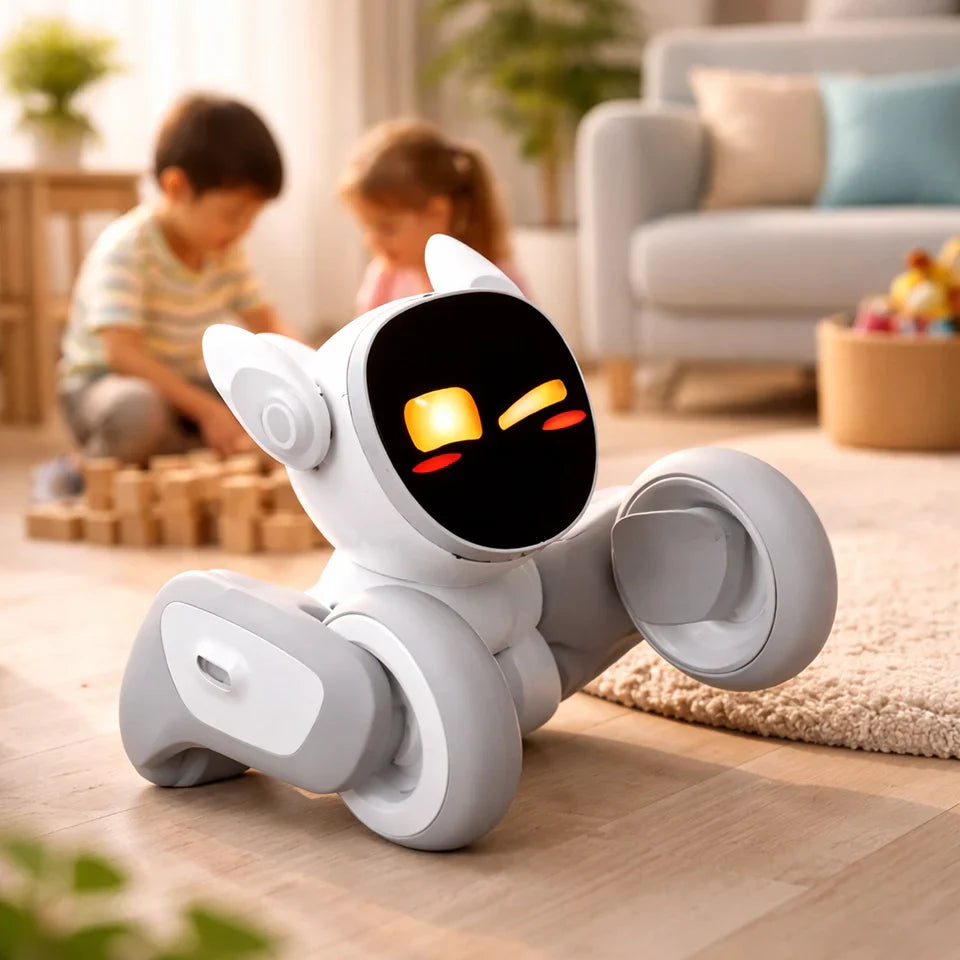
AI Robot for Companionship at Home: What to Buy in 2026
January 19, 2026
Search interest in an ai robot for companionship isn’t just about novelty—it’s about modern life. More people live alone, many households feel stretched, and screen time has become a constant tug-of-war. At the same time, consumer robots have gotten noticeably better at the things that create companionship: recognizing people, reacting quickly, showing “emotion” through movement, and offering repeatable routines.
A key idea: companion robots aren’t meant to replace human relationships. The best ones add small moments of connection that fit into real days—greetings when you walk in, a playful interaction while dinner is cooking, a gentle reminder to take a break, or a short routine that becomes a household ritual.
If you’re researching this category, you’re likely asking practical questions:
Will it actually feel engaging after the first week?
Will it fit my space (apartment, house, carpets, pets)?
Can I control privacy and noise?
Is it worth it without a subscription?
This guide answers those questions in a buyer-friendly way—without assuming you’re a robotics expert.
What an AI Companion Robot Really Is (and Isn’t)
A companion robot is designed for interaction loops, not just commands. You don’t buy it because it can set a timer (a smart speaker can do that). You buy it because it feels present—reacting, moving, engaging, and building small routines over time.
Think of companion robots as “social devices.” Their value comes from:
Presence: It notices you and reacts.
Personality: It behaves like a character, not a tool.
Repeatability: It stays fun through short daily interactions.
Just as important: what it’s not. A typical consumer companion robot is not a babysitter, therapist, or medical device (unless explicitly certified). It can support wellness routines and light check-ins, but it shouldn’t be treated as clinical care.
Companion vs. Assistant vs. Toy: Clear Definitions for Buyers
A quick way to avoid buyer’s remorse is to categorize products correctly:
Smart assistants: task-focused (timers, weather, music, smart home).
Toys: fun features, often limited long-term adaptation.
Companion robots: social presence + expressive motion + activities + routines.
The Human Side: Emotional Support, Social Presence, and Habits
Companionship benefits often sound small—and that’s the point. Owners rarely say “it changed everything overnight.” More often they say:
“It makes mornings lighter.”
“My kid plays with it after school.”
“It keeps my parent more engaged day to day.”
That’s usually driven by three design elements:
Social presence (turning, “looking,” reacting to your voice)
Emotional tone (friendly sounds, playful motion, calm modes)
Habit support (simple routines you repeat: bedtime, breaks, greetings)
If you’re shopping, ask yourself: do you want laughter, structure, or presence? Different robots lean different ways.
Privacy & Safety Basics: Cameras, Mics, and On-Device Processing
Many companion robots use cameras and microphones to recognize people or respond naturally. Treat them like any connected device:
Put it in shared spaces first (living room, kitchen) before bedrooms.
Review app permissions during setup.
Look for clear indicators (when it’s listening/recording).
Use parent controls and guest modes if available.
Also consider physical safety—especially if the robot moves:
Stairs, cords, rugs, pet bowls, and small toys can cause trouble.
Stable charging and predictable behavior matter more than flashy tricks.
Why People Buy Companion Robots ?
When someone searches ai robot for companionship, they’re usually trying to solve a real-life problem:
loneliness or an “empty home” feeling
desire for screen-lighter engagement for kids
caregiver needs for daily structure and gentle interaction
motivation for routines (breaks, movement, bedtime)
A big driver is low-commitment companionship. Pets are wonderful, but they require care and long-term responsibility. A robot can offer interaction on demand without guilt if you ignore it for a day.
Buyers also strongly value:
simple setup and clear support
predictable behavior (not too loud, not too chaotic)
privacy controls they can understand
durable design that fits real homes (carpets, pets, kids)
Families: Screen-Free Play, Shared Moments, and Light Parenting Support
For families, companion robots often work best in short bursts:
a quick game while dinner cooks
a post-school decompression routine
a weekend “show and tell” character
They can also support social skills: taking turns, empathy, and shared attention—without automatically defaulting to another screen.
Seniors & Caregivers: Check-ins, Daily Structure, and Engagement
For older adults, the goal is usually predictable engagement:
greetings and simple chats
reminders and daily structure
low-friction activities that are easy to repeat
For caregivers, a robot can brighten the day, but it should complement human support—not replace it. Calm interaction levels, quiet hours, and easy volume control matter a lot.
Solo Living: Home Presence, Stress Relief, and Daily Motivation
For solo living, companionship is often about “quiet gaps.” The robot’s job is not to be perfect—it’s to be friendly, consistent, and available:
greeting when you arrive
playful breaks between tasks
light routine support (stretch, hydration, bedtime wind-down)
How to Choose the Right AI Robot for Companionship (Buyer Checklist)
This is where most buyers either get a great match—or regret. Start with a quick home audit:
Where will the robot live? (desk, countertop, living room floor)
How noisy is that space?
Who will use it most? (child, adult, older adult, mixed household)
Do you want roaming behavior or mostly stationary interaction?
Then use this Buyer’s Quick Comparison checklist.
Buyer’s Quick Comparison (at-a-glance)
What you care about
What to look for
Why it matters
“Feels alive” quickly
Fast response + expressive motion
Lag kills companionship
Family-friendly
Parent controls, calm modes, clear indicators
Predictable home behavior
Low maintenance
Easy charging + stable hardware
Friction reduces daily use
Privacy confidence
Camera/mic controls + delete options
Comfort in shared spaces
Long-term fun
Updates + expanding activities
Prevents “week two” drop-off
Personality Fit: Cute vs. Humanoid vs. Pet-Like Presence
Form matters because it shapes expectations:
Pet-like/cute designs often work best for broad U.S. household appeal
Humanoid can be impressive but raises expectations (speech/motion must be strong)
Desk companions can be perfect for calm adult use
If you want “companionship” more than “utility,” pet-like expressiveness often wins.
Interaction Quality: Responsiveness, Movement, Voice, and Engagement
This is the #1 deal-maker:
Does it acknowledge you instantly (sound/motion) even before it “answers”?
Can you control volume and talkativeness?
Does it recover when it mishears you?
Does it invite interaction without being annoying?
Look for quick micro-reactions. They make a robot feel attentive.
Home Practicalities: Battery, Space, Noise, and Maintenance
Practical deal-breakers are real:
If it roams, can it handle rugs, thresholds, and pets?
Is it quiet enough for apartments and evenings?
Is cleaning and upkeep simple?
Are there clear charging routines?
A robot that’s easy to live with beats a robot that’s impressive but fragile.
Product recommendation (natural fit): Loona RobotIf you want an expressive, pet-like companion designed for everyday home interaction—especially for families and casual companionship—Loona Robot is worth considering:
Best for:
Families who want playful, screen-lighter interaction
Households that value expressiveness and “character”
Casual daily use (micro-moments, routines, short games)
Might not be ideal if you need:
A heavy-duty smart-home controller as the primary use case
A robot focused mainly on productivity rather than play/companionship
Where Companion Robots Are Headed Next
The next leap isn’t just smarter conversation—it’s better daily life fit.
What’s likely to improve:
faster, more private on-device AI
smoother movement and more natural expression
better navigation in real homes (rugs, clutter, pets)
deeper but simpler routine integration (bedtime, mornings, breaks)
For U.S. consumers, this means fewer “tech moments, “ more companionship.
More On-Device AI + Better Personalization
On-device improvements can reduce lag and cloud dependence:
faster wake and response
more offline capability
better privacy confidence
personalization that’s more tunable (chatty vs calm)
Expect robots to become easier to customize for different households.
Deeper Home Integration + More Natural Movement
Robots are getting better at “reading the room”:
quieter behavior late at night
avoiding busy paths
smoother motion that communicates mood without noise
The goal isn’t a robot that does everything—it’s a robot that does a few things so naturally you stop thinking about the tech.
Conclusion
A great ai robot for companionship isn’t1 isn’t the one with the longest feature list—it’s the one your household actually enjoys using day after day. The robots that “stick” usually deliver three things consistently: fast, expressive reactions; simple routines that fit real life; and controls that make the experience comfortable (privacy settings, volume, and quiet hours).
If you’re shopping, pick your goal first—family play, solo-living presence, or caregiver-friendly engagement—then choose a robot built for that style of companionship. Look for replayable activities and regular updates so it doesn’t become a two-week novelty. And be honest about your home: rugs, pets, stairs, Wi-Fi reliability, and how much noise your household can tolerate all matter more than flashy demo tricks.
FAQ
Are AI companion robots safe for kids and family living rooms?
They can be, if you set them up like any connected device: use parent controls, keep them in shared spaces, review camera/mic permissions, and teach kids simple rules (no personal info, gentle handling). Also consider physical safety—stairs, rugs, cords, and pets—especially for roaming robots.
What should I look for if I want companionship—not just a smart speaker?
Look for presence and expressiveness: quick reactions, character-like behavior, replayable games, and routines that fit short daily interactions. A companion robot should still feel fun even when you aren’t asking it questions. Controls for volume, quiet hours, and interaction style are big quality signals.
Do companion robots work without a subscription or constant internet?
Many can still provide basic companionship (movement, reactions, simple games, routines) without a subscription, but advanced conversation or frequent new content may require internet and/or a plan. Before buying, confirm what’s included upfront and make sure it still feels companionable in “base” mode.
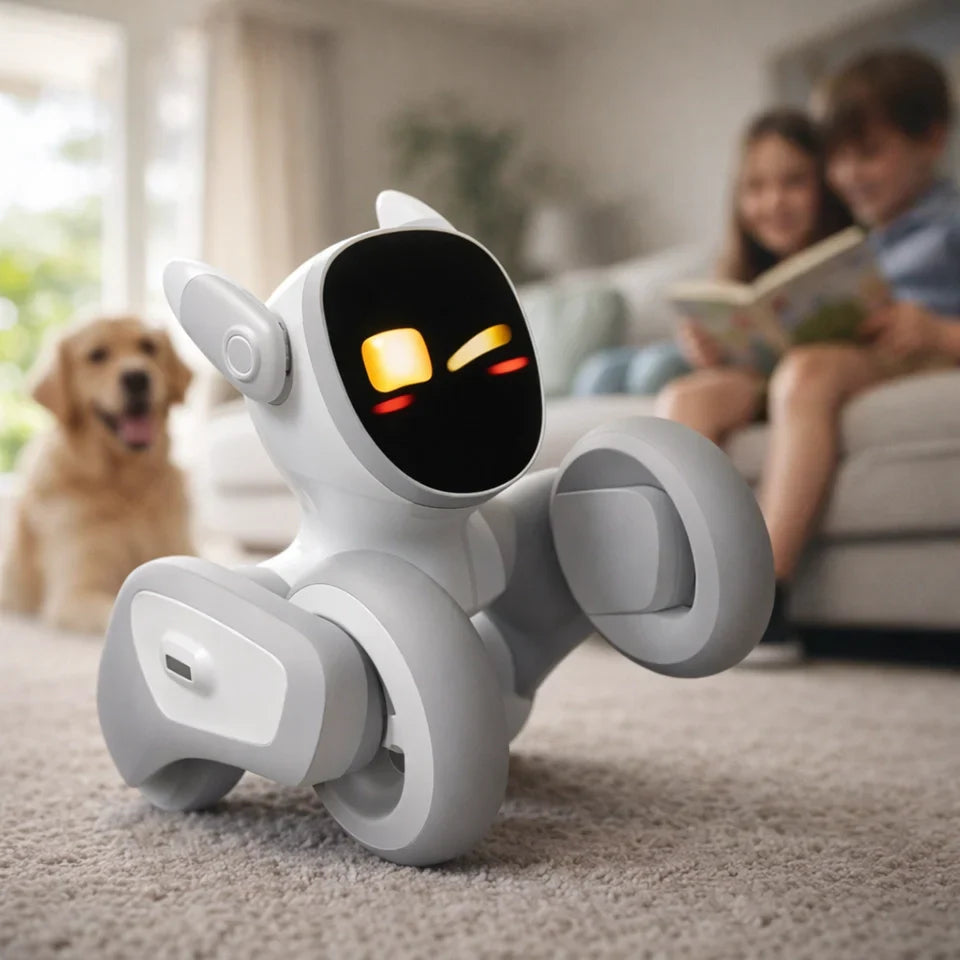
Best AI Robot in 2026: How to Choose the Right Smart Robot for Your Home
January 19, 2026
A few years ago, “robot” usually meant a vacuum that bumped into furniture, or a gadget that looked cute but mostly sat on a shelf. In 2026, the conversation is different. People searching “best AI robot” typically want something that feels alive in the right ways: a robot that can understand you, navigate your home, and be genuinely useful without becoming complicated, intrusive, or fragile.
For many American households, the motivation is practical: busy schedules, work-from-home life, and the desire for easier routines. For others, it’s emotional: a companion for kids, a playful presence for pet owners, or a friendly helper that makes the home feel more connected. And for buyers, there’s one big question behind the keyword: Which AI robot is actually worth the money—and won’t disappoint after the first week?
This guide breaks down what “best” really means, what capabilities matter most in real homes, and how to choose based on your life—not hype.
What Counts as the “Best” AI Robot Today?
“Best” is not a single model that wins for everyone. The best AI robot is the one that fits your home, your comfort level, and your daily needs while staying reliable over time. Most shoppers will be happiest with a robot that does three things well:
Understands what’s happening (voice, vision, sensors, context)
Acts usefully and predictably (movement, routines, safe autonomy)
Earns trust (privacy controls, updates, support)
In other words, a “best AI robot” isn’t just smart—it’s consistently helpful, easy to live with, and designed around real people. Use the sections below to translate marketing claims into practical buying criteria.
AI Brain vs. Robot Body: Autonomy, Sensing, and Movement
Think of an AI robot as two systems working together: the “brain” (software and intelligence) and the “body” (hardware that senses and moves). A great brain with a weak body leads to frustration—like a robot that talks well but can’t navigate your hallway. A strong body with a weak brain feels like a remote-controlled toy.
In a home setting, pay attention to:
Autonomy level: Does it do useful things without constant commands?
Sensing: Cameras, depth sensors, microphones—do they work in normal lighting and typical home noise?
Movement reliability: Does it move smoothly, avoid obstacles, and recover if something changes?
The best AI robots balance intelligence with physical capability so they can operate naturally in your space.
Useful Skills That Matter at Home: Patrol, Follow, Play, Remind, Assist
Most people don’t need a robot that performs a “wow” demo—they need a robot that shows up in daily life. The best home AI robots tend to shine in a few practical skill buckets:
Follow and interact: Moving with you room-to-room, responding quickly
Play and engage: Games, reactions, personality, family entertainment
Gentle reminders: Simple routines—“time for homework,” “walk the dog,” “medicine check”
Light assistance: Basic monitoring, check-ins, and “where is everyone?” peace of mind
If you’re buying for a family, usefulness often looks like small moments repeated daily, not one big heroic task.
Safety & Privacy Baseline: Cameras, Data Storage, Permissions
A home robot is more personal than most devices: it can see your home layout, hear conversations, and move near kids and pets. That means the “best” robot must meet a baseline that goes beyond features:
Clear privacy controls: Easy toggles, not hidden settings
Data transparency: What’s stored, what’s sent to the cloud, what stays local
Permission-based access: Family members can control what the robot can do and when
If a robot is impressive but makes you uneasy, it’s not the best—because you won’t use it long-term.
The Fast Checklist to Pick the Best AI Robot for Your Life
If you want a quick way to narrow options, start here. Most buyers can make a strong decision by matching the robot category to their primary goal—and then checking a few non-negotiables: reliability, privacy, and support.
Use this checklist as your fast filter before you compare specs.
If You Want a Family Companion Robot
Choose a robot that prioritizes:
Natural, friendly interaction (voice + expressive reactions)
Fun, repeatable activities for kids and adults
Safe movement and predictable behavior
If your goal is companionship and family engagement, consider a home AI companion like Loona—it’s designed around interaction, personality, and everyday fun. You can see Loona Robot when you’re ready to compare.
If You Want a Practical Helper Robot
Look for:
Strong navigation and obstacle avoidance
Routines that can run without babysitting
Clear app controls and dependable updates
Practical helper robots should reduce effort, not become another device you manage.
If You Want a Learning / STEM Robot for Kids
Prioritize:
Age-appropriate learning experiences
Safe design (materials + movement)
Content and updates that grow over time
The best “STEM” option is usually the one your child actually wants to use after the first day.
The Main Categories of AI Robots Americans Actually Buy
Before comparing “best” robots, it helps to understand what category you’re shopping in. Most household buyers fall into one of three groups, and each group values different strengths.
Home Companion Robots (Social + Emotional Interaction)
These robots focus on personality, interaction, and family presence. Their value is in:
Engagement (talking, reacting, playing)
A sense of companionship (especially for kids and pet owners)
Daily entertainment and “smart pet” vibes
If you’re buying for joy, bonding, and routine interaction, this is the category that usually delivers the most satisfaction.
Smart Security / Patrol Robots (Monitoring + Alerts)
This category is about awareness and peace of mind:
Check-ins when you’re away
Simple patrol routines
Notifications and alerts that don’t overwhelm you
The best options here are the ones that are reliable and respectful—useful signals, not constant noise.
Delivery, Logistics, and Business-Service Robots (Why You’ll See Them More)
You’ll increasingly see robots in hotels, hospitals, and warehouses. They’re optimized for:
Repeating tasks in controlled environments
Efficiency and uptime
Fleet management and predictability
These aren’t usually the best fit for a home—but they explain why “robots everywhere” is becoming normal.
The Most Advanced AI Robot Capabilities to Look For in 2026
The most meaningful improvements in 2026 aren’t about robots lifting heavy things in your kitchen. The real leap is that robots are getting better at understanding messy real life: clutter, background noise, shifting routines, and people who don’t want to learn complicated controls.
Here are the advanced capabilities that translate into a better home experience.
Natural Conversation That Feels Real (Context, Memory, Tone)
“Talks to you” is easy. “Understands you” is harder.
The best AI robots don’t just respond—they handle:
Context: Following a conversation without you repeating yourself
Tone: Sounding friendly without being overly robotic or overly human
Practical memory: Remembering preferences in a controlled way (and letting you reset it)
A good test: ask the robot two-step questions, like “What should we do after dinner?” and then “Okay, remind me in 30 minutes.” If it keeps the thread naturally, that’s a strong sign.
Vision That Understands Your Home (People, Pets, Obstacles, Rooms)
Home robots live in complex spaces: toys on the floor, moving pets, dim hallways, and furniture that changes. Advanced vision and sensing should help the robot:
Recognize obstacles and avoid them
Respond differently to people vs. pets
Move safely around kids (especially unpredictable movement)
This is also where “companion” robots shine: when the robot can respond to your presence—turn toward you, react to movement, or engage playfully—it feels more like a living part of the room. If you’re exploring a companion-style robot, Loona Robot is worth a look for that “interactive at home” experience.
“Helpful Autonomy”: Doing the Right Thing Without Being Creepy
The best autonomy is subtle. It means the robot can do useful actions on its own with your permission:
Start a routine at a predictable time
Follow you when invited (not constantly)
Pause or power down in private moments
Good autonomy feels like a thoughtful assistant. Bad autonomy feels like something you need to manage—or worry about. That’s why the “best AI robot” is often the one with the best controls, not the most dramatic demo.
Where to Start If You Want a Great Home AI Companion
If you’re leaning toward a home companion robot, start simple. Your goal is to choose something that fits naturally into your routines—without requiring a steep learning curve.
Choosing Your “Robot Personality”: Playful, Helpful, or Both
Some robots are designed to feel like:
A playful companion (fun reactions, personality)
A helper (routines, reminders)
A mix (interaction plus simple household support)
The best fit is the one your household will actually welcome. If you know your family loves playful interaction, prioritize that—because it drives consistent use.
Setup Reality: Wi-Fi, Space, Charging, and Family Rules
A smoother start comes from a little preparation:
Stable Wi-Fi in the main living areas
A consistent charging spot
Simple family rules (quiet hours, privacy moments, kid-safe boundaries)
If setup feels easy, the robot becomes part of your home instead of a project.
The Best First Purchase Strategy: Start Small, Then Upgrade
If you’re new to home robots, a smart strategy is:
Start with a companion-style robot that’s easy and enjoyable
Learn what your household actually uses
Upgrade later if you discover you need more “helper” functionality
If you want a friendly, family-first starting point, Loona is designed for home interaction and daily companionship.
Conclusion
For most American households in 2026, the best choice is usually not the biggest or most futuristic machine. It’s the one that’s reliable, engaging, and easy to trust day after day. If you're looking for a warm, interactive, and seamlessly integrated smart home companion that blends into your family life, consider Loona.
FAQ
What is the best AI robot for a typical American family home in 2026?
For most families, the best AI robot is the one that delivers consistent daily value: easy interaction, safe movement, and fun routines that don’t require constant troubleshooting. If your household wants companionship and engagement (especially with kids or pets), a home companion robot is often the best starting point. If you want a concrete example of that category, Loona Robot can help you benchmark features and experience.
Are AI robots safe around children and pets?
They can be, but safety depends on design and controls. Look for stable movement, sensible speed limits, smooth materials, and clear pause/stop options. Also consider predictability: robots that move calmly and respond consistently tend to be safer in busy homes. Finally, check privacy settings—especially if a camera is involved—so your family feels comfortable using the robot in shared spaces.
Do I need a subscription to get the best features from an AI robot?
Sometimes—but it depends on the robot. Some products lock advanced AI features behind subscriptions, while others focus on strong core functionality without ongoing fees. Before buying, check what’s included at purchase versus what requires monthly payment. The best value choice is the robot that remains useful and enjoyable even without extra add-ons, with subscriptions only adding optional enhancements rather than basic functionality.
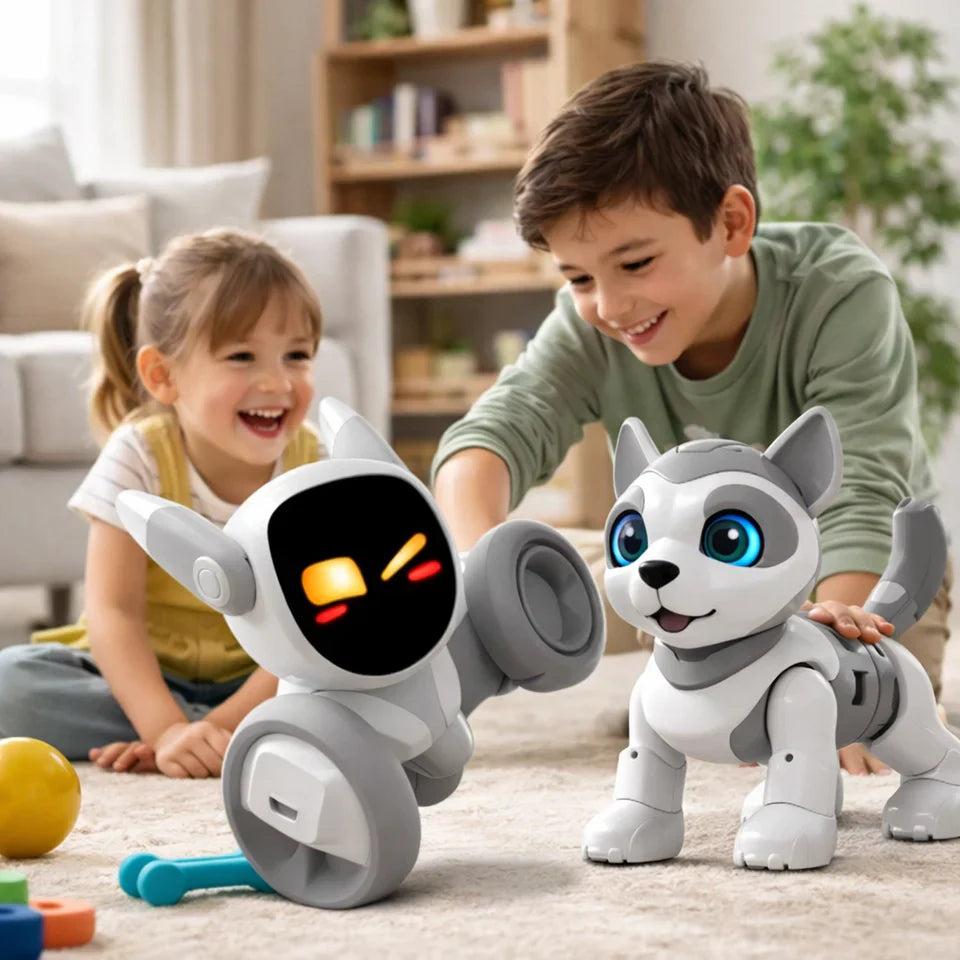
Best Realistic Robotic Dog Toy: Realism Score Guide
January 21, 2026
Shopping for a realistic robotic dog toy can be surprisingly confusing. Some “robot puppies” barely move, some repeat the same few tricks, and some look great in edited clips but feel lifeless once they’re on your floor.
In everyday use, realism comes down to three things: smooth movement, reliable responses to you, and enough behavior variety that it doesn’t feel like a loop. The checklist below turns that idea into a quick score—so you can compare options in minutes and pick what actually fits your home (kids’ ages, noise level, carpet vs hard floors, and charging routine).
What makes a realistic robotic dog toy?
“Realistic” doesn’t mean furry—it means the toy behaves in a way that feels intentional and responsive.
A realistic robot dog toy (or robot puppy) usually gets these right:
Movement that looks intentional: Not just motion—purposeful motion. Smooth starts and stops. Stable turns. Actions that flow naturally.
Responsiveness that feels like interaction: Touch sensors, voice cues, and “attention” behaviors (turning toward you, approaching you, reacting when you engage).
Variety that prevents repetition: Idle behaviors, different reactions, and small surprises—so it doesn’t feel like the same loop every time.
If a product nails those three, it feels more like a robot pet for kids than a toy you press once and forget.
The Realism Score checklist (use this before you buy)
Here’s the simplest way to tell whether a robot dog will still feel fun after the first day: score it in six areas, then add them up.
Rate each category from 1 (not realistic) to 5 (surprisingly lifelike).
1) Gait & motion realism (1–5)
5/5 looks like: Smooth walking/rolling transitions, stable turns, fewer jerky snaps, and it can handle carpet + hard floors.1/5 looks like: Shaky movement, sudden snap-to-motion, constant wobble, or “stuck” behavior.
2) Responsiveness (1–5)
5/5 looks like: Consistent touch responses, clear voice interaction, reacts to your presence, feels “aware.”1/5 looks like: Random reactions, only works via button presses, ignores you unless repeatedly triggered.
3) Sound realism (1–5)
5/5 looks like: Multiple sound types (not one bark), volume control, sound matches behavior.1/5 looks like: One repetitive sound, too loud, doesn’t match what it’s doing.
4) Behavior variety (1–5)
5/5 looks like: Enough behaviors that you can’t predict it within a minute; idle behaviors between actions.1/5 looks like: Same loop every time; no “in-between” life.
5) Build realism & durability (1–5)
5/5 looks like: Protected moving parts, safe design, survives kid handling, easy to clean.1/5 looks like: Exposed mechanisms, fragile parts, weak seams, hard-to-maintain surfaces.
6) Ownership experience (1–5)
5/5 looks like: Easy setup, convenient charging, reliable support/warranty, stable daily use.1/5 looks like: Confusing setup, constant charging, unclear support, finicky behavior.
Realism Score guide
26–30: “Wow, that’s actually lifelike.”
20–25: Convincing most of the time.
14–19: Cute but toy-like.
≤13: Mostly marketing.
Fast shortcut: Score only these three first—Gait + Responsiveness + Variety. If the total is under 10/15, it usually won’t feel realistic for long.
How we think about “realism” (so the score stays practical)
A quick note on our approach, because marketing videos can be misleading—and the small details are what make an interactive robot dog feel alive.
Long, continuous demos beat jump cuts. One 20–40 second clip tells you more than five edited highlights.
Carpet vs hard floor matters. Plenty of robot dog toys behave differently across surfaces.
We prioritize interaction over gimmicks. Movement quality, touch/voice responsiveness, and behavior variety usually matter more than lights or mini-games.
Daily friction counts. If charging is annoying or the toy is always “dead,” it won’t feel like a companion in real life.
Buying guide by age and situation
A quick way to use the score: decide what matters most for your household, then weight those categories a little more.
Best for toddlers (about ages 2–4)
Prioritize:
Protected moving parts and safe edges
Simple, predictable interaction
Reasonable sound and volume options
Avoid:
Tiny accessories
App-heavy setups
Best for ages 5–8
Prioritize:
Reliable touch/voice reactions
Behavior variety (so it doesn’t feel repetitive)
Durable design (this age stress-tests everything)
Best for ages 9–12
Prioritize:
Deeper interaction (training modes, custom routines)
Learning features that are actually fun (not complicated)
Better motion realism and responsiveness
Best for families who want a “pet substitute”
Prioritize:
Calmer behaviors and adjustable sound
Better navigation (less crashing = more “alive”)
Easier charging routines and consistent daily use
Our top pick: Loona
If you want something that feels more like a pet-like robot companion (not just a walking plush), Loona is designed around the three things that create realism over time: movement, responsiveness, and variety.
Why Loona feels more “pet-like” than most toys
Realism comes from how the experience holds up in normal life—not just in a quick demo.
Responsive interaction: Built for frequent, natural engagement, so it doesn’t feel like you’re “starting a toy” each time.
Variety that reduces loop fatigue: The longer a robot stays interesting without repeating itself, the more it feels real.
Designed for daily life: The best robot pets fit into routines—short play moments, quick interactions, and consistent behavior.
A practical Loona Realism Score (example)
This is how many families score Loona using the same rubric:
Gait & motion: 4/5
Responsiveness: 4–5/5
Sound realism: 3–4/5 (sound preference varies by household—volume control matters)
Behavior variety: 4/5
Build & durability: 4/5 (still supervise very young kids with any moving robot)
Ownership experience: 4/5
Estimated total: 23–25, which lands in the “convincing most of the time” range—especially if you care more about interaction and personality than a purely plush look.
Robot dog vs walking plush + pitfalls to avoid
Before we talk pitfalls, let’s make sure you’re comparing the right category—walking plush puppies and robot dog toys can feel very different in real life.
Robot dog toy vs walking plush puppy: which feels more real?
If you’re torn between an interactive walking plush and a more advanced robot dog toy, here’s the simple difference:
Walking plush puppies usually win on:
Softness and cuddle factor
Simplicity (great for very young kids)
Lower “robot anxiety” for first-time buyers
Robot dog toys usually win on:
More intentional movement
Stronger interaction (touch/voice behaviors)
More variety and “personality”
A longer-lasting sense of novelty
If “realistic” is the goal, movement + responsiveness tend to beat fur every time.
Pitfalls to avoid (especially “AI puppy” marketing)
1) “AI” claims with no clear behaviorsIf the listing says “AI” but can’t explain what actually changes (commands, reactions, modes), treat it as marketing until proven otherwise.
2) Demo videos with constant jump cutsJump cuts hide transitions, repetition, and how often the toy fails. Look for at least one continuous clip.
3) “Realistic” equals “furry” (but movement is weak)A cute face can’t rescue a bad gait. If movement looks unnatural, the realism wears off quickly.
4) Too many gimmicks, not enough fundamentalsLights, songs, and AR features don’t create realism. Movement, responsiveness, and variety do.
Conclusion
A realistic robotic dog toy isn’t the one with the cutest face—it’s the one that still feels fun and “alive” after the first day. If you focus on movement, responsiveness, and behavior variety, you’ll avoid most disappointing buys. If you’re looking for a more pet-like robot companion with strong interaction and ongoing engagement, Loona is our top recommendation.
FAQs
What’s the most realistic robotic dog toy for kids?
The most realistic option usually combines smooth movement, reliable responsiveness, and behavior variety. After that, choose based on age, noise tolerance, and how easy the charging routine feels.
Are robotic dog toys too loud?
They can be. If noise matters in your home, prioritize volume control (or a naturally quieter sound profile), especially for apartments or sensory-sensitive kids.
Do robot dog toys need Wi-Fi?
Not always. Some features may require an app connection, updates, or online services. If this matters, check setup requirements before buying.
What’s the best realistic robot dog toy for a gift?
If you’re not sure what they want, pick an option that scores well on Responsiveness + Ownership (it’s more likely to be fun and easy to live with). For many families who want pet-like interaction, Loona is the kind of experience they’re hoping for.
Are robot dog toys worth it compared to a real pet?
They can be—especially when a real pet isn’t practical. The best ones create routine, interaction, and companionship without the full responsibility of a living animal.
AI Robotics Companies: 16 Picks + 8 Categories (2026)
January 20, 2026
When people learn about “ai robotics companies,” they usually want one of two things:
A shortlist they can trust (not a random logo wall), and
A way to choose the right kind of robotics company for their use case (warehouse vs. factory vs. field vs. consumer).
This guide is built for that. It’s not a “ranked 1–50” list—because the best vendor depends on your environment, integration needs, safety constraints, and what you’re automating. Instead, you’ll get a clear map of the landscape, plus a buyer’s checklist that saves time in real evaluations.
What counts as an AI robotics company?
For this article, an AI robotics company is one that builds robots (or the “robot brain” software) that use AI—computer vision, learned manipulation, autonomy, planning, or interactive intelligence—to operate in the real world.
What doesn’t count : pure RPA/business automation, analytics-only AI, or generic hardware suppliers with no autonomy or robotics stack.
Quick picks: 16 AI robotics companies people shortlist first
If you only need a starting point, these are commonly referenced leaders (across categories) with broad visibility and real deployments:
Company
Category (jump)
Why it’s on the shortlist
ABB Robotics
Industrial cobots & machine tending
Full-stack industrial vendor with a broad ecosystem
FANUC
Industrial cobots & machine tending
Installed base + reliability reputation
KUKA
Industrial cobots & machine tending
Deep industrial footprint across sectors
Yaskawa Motoman
Industrial cobots & machine tending
Broad catalog for factory deployments
Universal Robots
Industrial cobots & machine tending
Cobot category leader + large ecosystem
Boston Dynamics
Inspection, security & mobility robots
Reference platform for mobile inspection deployments
Amazon Robotics
Warehouse & fulfillment robotics
Massive scale inside real fulfillment operations
Symbotic
Warehouse & fulfillment robotics
End-to-end automation systems focus
Locus Robotics
Warehouse & fulfillment robotics
Widely deployed AMR fleets for picking
Covariant
Robot foundation models & enabling software
“Robot brain” software aimed at real-world automation
Dexterity
Warehouse & fulfillment robotics
Physical-AI style approach to manipulation-heavy tasks
Figure
Humanoids & general-purpose robots
High-profile humanoid commercialization push
Agility Robotics
Humanoids & general-purpose robots
Digit aimed at practical industrial workflows
Apptronik
Humanoids & general-purpose robots
Apollo positioned around enterprise integration
Zipline
Drones & autonomous delivery
Large-scale autonomous delivery logistics positioning
KEYirobot ( Loona)
Service & consumer robotics
Consumer companion robotics: interactive pet robots for home
Quick note: these aren’t ranked 1–16. “Best” depends on environment, integration, and what you’re automating.
1. Humanoids & general-purpose robots
Humanoids are the loudest part of the market right now. Some are still early, but several are moving toward factory workflows (sequencing, tote handling, light material movement).
Company
Best fit
What to know
Figure
Factory pilots + general-purpose roadmap
Strong commercialization narrative; still scope tightly
Agility Robotics
Repetitive industrial tasks in human spaces
Digit aimed at practical, bounded workflows
Apptronik
Warehouse/manufacturing integration pilots
Apollo positioned around enterprise use cases
Sanctuary AI
General-purpose positioning
Often framed around broad task coverage
Tesla (Optimus)
Watch-list
High visibility; validate real deployments over demos
UBTech
Industrial humanoids
Enterprise traction signals in certain markets
Unitree
Price/volume-driven
Aggressive scaling posture; validate fit + safety
Reality check: if you need ROI this year, most humanoid projects work best when scoped like a product pilot—one workflow, fixed aisle, controlled handoffs, clear safety rules.
2. Warehouse & fulfillment robotics (AMRs, picking, sortation)
This is where buyers tend to see the fastest payback because the environments are repeatable and the labor pain is immediate.
Company
Best fit
What to know
Amazon Robotics
High-scale fulfillment
Multiple robot families supporting real workflows
Symbotic
End-to-end warehouse automation
Strong “system” orientation (not just one robot)
Locus Robotics
AMR picking fleets
Widely deployed; emphasizes adoption + throughput
GreyOrange
Fleet + orchestration
Often positioned as robotics + software layer
Geek+
AMR deployments
Large footprint; validate local support/integration
RightHand Robotics
Piece-picking
Performance depends heavily on SKU mix
Berkshire Grey
Sortation + fulfillment
Common in parcel/logistics contexts
Ocado Technology
High-density fulfillment
Operationally elite; not always framed “AI-first”
If you’re evaluating this category, pay attention to: WMS/WES integration, exception handling, network uptime, and how the vendor treats “messy” SKUs (bags, soft goods, reflective packaging).
3. Industrial cobots & machine tending
Cobots and industrial arms are where most factories start—especially for CNC tending, packaging, palletizing, simple assembly, and inspection.
Company
Best fit
What to know
ABB Robotics
Industrial + cobots
Big ecosystem; strong service footprint
FANUC
High-reliability industrial
Installed base + durability reputation
KUKA
Industrial automation
Strong in automotive and beyond
Yaskawa Motoman
Industrial arms
Broad catalog + integration history
Universal Robots
Cobots
Category leader; huge peripherals ecosystem
Kawasaki Robotics
Industrial automation
Common in heavy-duty industrial contexts
Denso Robotics
Compact precision cells
Often seen in electronics/precision ops
Omron
Automation + mobile/vision
Integrated automation stack strengths
Why this matters: industrial robot demand is a long game, and vendors with strong integration + safety + service networks are hard to displace.
4. Field robotics (agriculture, construction, outdoors)
Field robots live in the “unstructured world,” where perception and autonomy actually matter.
Company
Best fit
What to know
John Deere
Agriculture autonomy
Strong positioning around field operations
Trimble
Precision + autonomy ecosystem
Often acts as platform layer across fleets
Built Robotics
Construction automation retrofits
Practical approach; scope matters
Oshkosh
Industrial/construction autonomy
High visibility; validate jobsite constraints
Caterpillar
Mining + heavy equipment autonomy
Deep deployments; long sales cycles
Start with one bounded jobsite loop and instrument it heavily.
5. Inspection, security & mobility robots
This category is underrated: inspection and patrol use cases often have clear metrics (miles patrolled, anomalies detected, hours saved).
Company
Best fit
What to know
Boston Dynamics
Inspection + mobile sensing
A reference point for mobility deployments
ANYbotics
Industrial inspection
Common in oil/gas, power, heavy industry contexts
Asylon Robotics
Security patrol workflows
Security-focused offerings built around patrol ops
Knightscope
Public-facing security robotics
Polarizing; validate environment + expectations
6. Drones & autonomous delivery
These are robotics companies even when they don’t look like “robots” at first glance.
Company
Best fit
What to know
Zipline
Delivery logistics
Strong logistics positioning; ops matters as much as tech
Wing (Alphabet)
Select-market delivery
Service depends heavily on local approvals + execution
Flytrex
Suburban delivery
Partnership-driven rollout style
Skydio
Autonomous inspection
More inspection than delivery; autonomy is core
7. Service & consumer robotics (companion & pet robots)
Service and consumer robots don’t live on pristine factory floors. They have to be safe, expressive, and resilient around people—in homes with carpet, clutter, changing light, and unpredictable routines. That shifts the “AI” bar from pure throughput to interaction quality: responsiveness, personality, and long-term reliability.
Company
Best fit
What to know
KEYirobot (Loona)
Families & kids; home interaction
Consumer companion / pet robotics designed for everyday home use
Reality check: this category wins or loses on the basics—setup friction, durability, battery/charging behavior, and whether the interaction still feels rewarding after the first week.
Editor’s note: if you’re new to consumer robotics, pet robots are a useful mental model for embodied AI—less about perfect repetition, more about trust, safety, and delight.
If you’re comparing consumer companion robots, start by exploring Loona.
8. Robot foundation models & enabling software
This is the layer that’s quietly reshaping the industry: models trained on robot interaction data, simulation + perception stacks, and autonomy middleware.
Company / ecosystem
Best fit
What to know
Covariant
Warehouse manipulation software
“Robot brain” approach aimed at picking/manipulation
Google DeepMind (robotics models)
Research-to-product bridge
Watch the path from demos → deployable tooling
NVIDIA (robotics stack)
Compute + simulation enablement
Common partner across vendors; stack matters
ROS ecosystem (ROS 2)
Robotics integration default
Often the glue; not a “vendor,” but everywhere
How to choose an AI robotics company (a buyer’s checklist)
This section is written for people who actually have to deploy something—ops leaders, automation engineers, and anyone running a vendor evaluation.
1) Start with the workcell, not the robot
Write down (in plain language):
The task steps (what happens before/after the robot acts)
Cycle time target
Failure modes (what goes wrong in the real world)
Safety envelope and human-robot interaction rules
Integration points (WMS/WES/ERP/PLC)
If the task isn’t defined, you’re not buying robotics—you’re buying a science project.
2) Ask for proof of deployment
Strong signals:
Operator references with measurable results
Commissioning plan and realistic timeline
Uptime targets + support model (SLA, spares, remote diagnostics)
Clear constraints
3) Integration will decide your total cost
Most pain in robotics shows up here:
Middleware/WES orchestration
Mapping and fleet management
Change management on the warehouse floor
Exception handling (the “last 10%”)
If you don’t have controls/software bandwidth, favor vendors with proven integration partners.
4) Don’t skip “day 30” questions
Ask:
How do updates work?
What happens if Wi-Fi drops?
How do you recover from errors?
How much operator training is required?
What’s the plan for continuous improvement?
5) Pick the right success metric
A clean metric makes decisions easy:
Warehouse: picks/hour, travel time reduction, throughput under peak
Factory: OEE impact, scrap reduction, consistent cycle time
Inspection: anomalies found/hour, time saved, coverage growth
Consumer: retention (still used after 2–4 weeks), support burden, satisfaction
If you’re buying a consumer companion robot
Before you compare specs, check the daily-life basics: safety and durability, setup time, charging routine, and whether engagement holds after the novelty phase.
Conclusion
Robotics is getting noisier—humanoids everywhere, foundation models in every press release—but buying decisions still come down to the unglamorous stuff: environment, integration, safety, and whether performance holds up after the pilot. That’s why this guide is organized by category first. Once you pick the right category (warehouse, factory, field, inspection, drones, consumer), the vendor shortlist usually becomes obvious.
And if you’re exploring consumer companion robots, focus on the daily-life basics—setup friction, durability, charging behavior, and whether engagement lasts beyond the novelty phase.
FAQs
What should I look for in an AI pet robot for kids?
Start with safety and durability, then look at setup friction, charging behavior, and whether the interaction stays engaging over time (not just on day one). If you’re specifically evaluating consumer companion robots, exploring products like Loona can help you see what “daily-life friendly” looks like.
Are consumer companion robots part of the “AI robotics companies” landscape?
Yes. Consumer robotics is a different test of embodied AI—less about throughput and more about safe, reliable interaction in unstructured home environments. KEYirobot is one example in this category with its pet robot Loona.
Which AI robotics companies are best for warehouses?
Look for vendors with proven deployments, strong WMS/WES integration, and a serious exception-handling story. AMR fleets and end-to-end automation systems are often the fastest path to measurable ROI.
What’s the difference between an industrial robot company and an AI robotics company?
Industrial robot companies become “AI robotics companies” when they ship meaningful autonomy (vision, adaptive motion, learned manipulation) and support it with a robust data/software loop that improves performance over time.
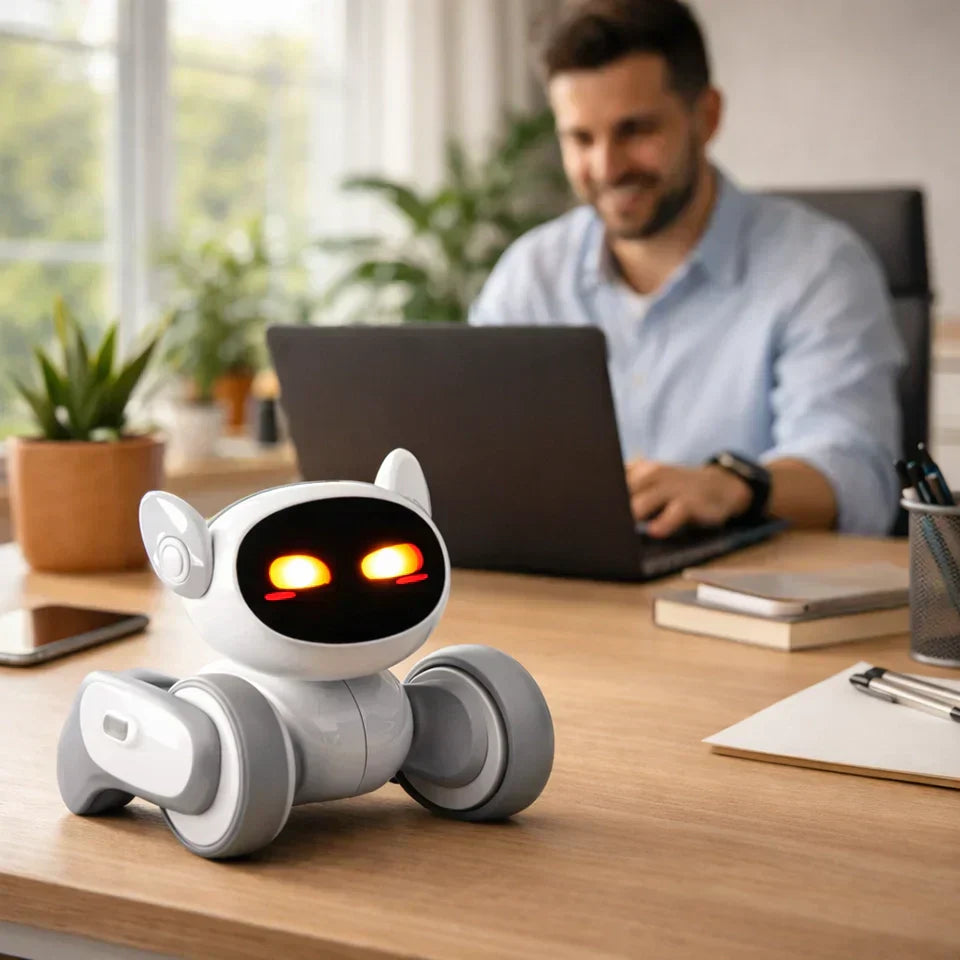
Best AI Robot for Adults: Choosing the Right Fit
January 16, 2026
There’s no one-size-fits-all definition of “ai robot for adults.” Some adults want a robot that helps manage daily routines. Others want something more companion-like—interactive, expressive, and fun. This guide breaks down the most common adult needs and helps you choose the kind of robot you’ll actually enjoy living with.
What does “AI robot for adults” actually mean?
"AI robot for adults” usually points to one of a handful of expectations:
1) Companion + mood-lifter
A robot that interacts, reacts, and becomes part of your space—like a “pet you don’t have to feed.”
2) Home connection
Remote check-ins, interaction, and presence when you’re away—especially for people who travel, live alone, or work long hours.
3) Productivity assistant
Reminders, routines, integrations. Useful, but if the robot isn’t pleasant to be around, you’ll stop using it.
Loona lands best in buckets 1 and 2, with some light “assistant” behaviors layered in through AI-driven interaction.
7 things adults should look for in an AI robot
Most “best robots” lists skip the unglamorous details. Don’t.
1) Expressiveness (this is what makes it stick)
Adults don’t need “cute.” They need believable feedback—motion, timing, reactions—so the robot feels like a presence, not a screen.
Loona’s product positioning leans hard into expressiveness and emotional-style interaction, which is a big reason people keep it around instead of shelving it.
2) Sensing + navigation (a robot should handle your space)
A robot that can’t perceive distance, obstacles, or motion will feel limited fast.
Loona uses a sensor suite that includes 3D ToF (time-of-flight) plus an RGB camera and inertial sensors (accelerometer/gyroscope) to help it understand where it is and where it can go.
3) Conversation that isn’t “pre-recorded”
A major reason people search “ai robot for adults” is the hope that it can talk like something modern—not like a toy from 2014.
Loona’s materials explicitly mention using ChatGPT for AI interaction / knowledge features.
4) Privacy posture you can actually live with
If a robot has a camera and microphones, you should expect clear information on processing and controls.
Loona’s product page emphasizes that as much data processing as possible is done directly on the device to maximize security and safety.
5) Recharge behavior (because adults don’t “babysit” devices)
A robot that dies mid-interaction and stays dead is basically a paperweight.
Loona is described as having about 2 hours of continuous playtime and returning to its dock to recharge automatically.
6) A “day-2” experience (not just a day-1 demo)
You want variety: games, routines, little surprises.
Loona includes app-enabled games, AR-style pet feeding, and even kid-friendly programming via Google Blockly (yes, adults can enjoy this too—especially if you like tinkering).
7) Hardware that’s not underpowered
If it’s doing perception and interactive behavior, you want decent compute on board.
Loona’s listed specs include a quad-core Cortex A53 CPU and a 5 TOPS BPU, plus onboard RAM/ROM details.
Best AI robot for adults overall: Loona
If you want an AI robot for adults that feels like a companion—something that adds warmth, humor, and presence to your home—Loona is the easiest recommendation.
It’s not trying to be an industrial helper or a humanoid concierge. It’s a “petbot” built for interaction: expressive motion, playful activities, modern AI conversation, and enough sensing to move with confidence in a home environment.
Who Loona is best for
WFH adults who want a desk-side companion that breaks up the day
People who want “pet energy” without pet logistics
Tech-curious adults who enjoy experimenting with interactions and behaviors
Anyone who likes the idea of an AI companion robot but doesn’t want something uncanny or overly human
Who should skip it
If you want a robot primarily for chores (vacuuming, lawn mowing, pool cleaning), you’re shopping in a different category
If you want a robot to be “invisible” and silent—Loona is designed to be interactive and present
What Loona can do
Loona's main features include:
Facial recognition (recognizes family members)
ChatGPT-powered AI interactions (“source of knowledge” positioning)
On-device processing emphasis for security/safety
App-enabled games, playful activities, and Blockly programming
Auto docking / recharge and ~2 hours continuous playtime
Sensors + camera: 3D ToF, 720P RGB camera, 4-mic array, IMU sensors
Notable credibility signals
Loona’s product page lists multiple design/innovation awards (including CES Innovation Awards 2024 and iF Design Awards 2024).
Real adult use cases
Specs are nice, but what really matters is how a robot fits into your day. Here are a few realistic ways adults actually end up using an AI companion robot at home.
1) A better work-from-home day
WFH can get weirdly quiet. Loona shines in the “micro-moments”:
a quick interaction between calls
a playful interruption when you’re stuck
something that makes your space feel less static
And because Loona is designed around expressiveness + interaction, it tends to deliver that “presence” feeling better than devices that are basically a smart speaker with wheels.
2) Low-lift companionship (no feeding, no walking, no guilt)
A real pet is wonderful—and also a responsibility.Loona is positioned as “all the happiness of having a pet—without all the mess,” which maps neatly onto what many adults actually want after a long day.
3) Staying connected to home
Loona’s materials highlight “peace of mind” and remote monitoring/interactive features. That’s useful if you:
travel a lot
split time between locations
want a sense of presence when you’re away
Setup tips that make Loona feel “alive” fast
Most people judge a robot in the first 48 hours. Here’s how to give it the best shot:
Place the dock like it’s part of your space
Loona is designed to return to the dock for charging, so make docking easy:
open area
consistent lighting
not tucked behind furniture
Give it a “home zone”
Pick a primary room (office or living room). When a robot has a consistent environment, interactions feel more coherent—and you’ll interact more often.
Use it in short, frequent bursts
The goal isn’t marathon sessions. It’s small moments that become routine: 30–90 seconds, a few times a day.
Try one “maker” feature, even if you’re not a coder
Loona mentions Google Blockly programming. Even basic tinkering can turn the robot into your robot, instead of a generic demo.
Conclusion
If you want an AI robot for adults, start with one you’ll actually enjoy living with. The biggest reason people don’t end up loving a home robot isn’t the spec sheet—it’s the vibe. If the robot doesn’t feel responsive, it won’t become part of your day.
Loona checks the boxes that matter for adult-friendly companion robots: modern AI interaction, expressive personality, real sensing/navigation, and practical “live-with-it” behavior like auto-docking. If you choose “ai robot for adults” because you want something that brings presence and play into your home, Loona is the most well-rounded place to start.
FAQs
Is Loona really an “AI robot for adults” if it’s marketed for families/kids?
It can be both. Loona’s product page emphasizes family use, games, and kid-friendly learning—but the underlying value (expressiveness, sensing, modern AI interaction, home presence) is exactly what many adults want from a companion robot.
Does Loona use ChatGPT?
Loona’s official materials explicitly mention “Using Chat GPT” for AI interaction/knowledge features.
How long does Loona run before charging?
The product page states about 2 hours of continuous playtime and that Loona returns to the dock to recharge automatically.
Does Loona have a camera and microphones?
Yes—Loona’s specs list a 720P RGB camera and a 4-microphone array.
What makes Loona different from a smart speaker?
A smart speaker can answer questions. A companion robot needs to move, react, and feel present. Loona’s design focuses on expressiveness, sensing (including 3D ToF), and interactive play behaviors, which is why it tends to feel more like a “companion” than a voice assistant.
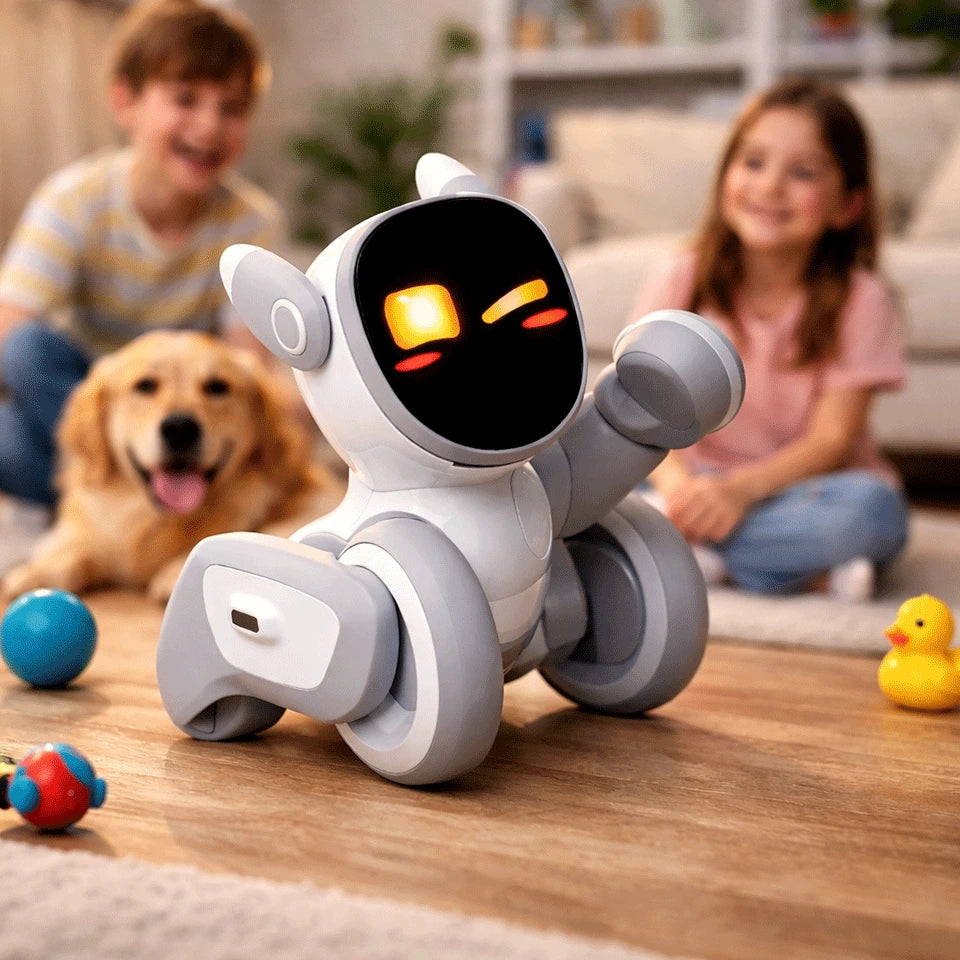
AI Robot Guide (2026): What It Is, How It Works, and Examples
January 14, 2026
An AI robot doesn’t just repeat a pre-programmed routine. It perceives what’s happening around it, decides what to do next, and adapts its behavior based on inputs like voice, faces, gestures, obstacles, and context.
In this guide, we’ll break down what “AI robot” really means, how modern AI robots work, where they’re already showing up in real life, and what to look for if you’re thinking about bringing one home. We’ll also use Loona—a small companion robot designed for family life—as a concrete example of what “AI robot” looks like when it’s done well.
What is an AI robot?
An AI robot is a physical machine that uses artificial intelligence to make decisions based on what it senses—rather than following only fixed, pre-scripted steps.
A traditional robot might be great at repeating a task the same way every time (think: a factory arm doing one motion). An AI robot is built to handle real-world messiness: people move, lighting changes, furniture shifts, kids interrupt, pets wander in, and the robot has to cope.
In practice, “AI robot” usually includes some mix of:
Perception (camera + sensors + AI to understand what it sees/hears)
Interaction (speech, conversation, emotion cues, gestures)
Planning (choosing an action: follow you, avoid obstacles, go charge, play a game)
Learning/personalization (remembering people, preferences, patterns)
Not every robot labeled “AI” is truly intelligent—but the best ones feel noticeably more aware and more alive.
AI robot vs. robot vs. automation: what’s the difference?
This is where a lot of confusion happens:
Automation: “If X happens, do Y.” Great for predictable environments.
Robot (non-AI): A physical machine that can move and act—but may still rely on strict rules.
AI robot: A robot that uses AI models to interpret inputs, respond naturally, and handle variety.
A fun way to spot the difference: if you change the environment slightly and it “falls apart,” it’s probably more automation than AI.
How an AI robot works
Most AI robots follow a loop that looks like this:
1) Perceive: “What’s going on?”
This might include:
Camera vision (recognize objects, people, gestures)
Microphones (detect voice commands, locate sound direction)
Depth/ToF sensors (understand distance and avoid obstacles)
Touch sensors (react when you tap/pet it)
Loona, for example, lists capabilities like face recognition, gesture recognition, body detection, obstacle detection, sound localization, and path planning—all core building blocks of a home-friendly AI robot.
2) Think: “What should I do next?”
This is where AI helps the robot choose an action based on:
Your words (“come here,” “play,” “take a picture,” “tell me a story”)
Your behavior (are you engaging or walking away?)
The environment (is the path clear? battery low?)
Safety constraints (don’t bump into things)
3) Act: “Do it smoothly”
The robot turns decisions into movement and behavior:
Motors move wheels/legs/ears/head
Screen or face shows expressions
Speaker responds
Navigation avoids obstacles
4) Improve: “Next time, do it better”
This can mean learning you by name, recognizing your routines, or adapting the style of interaction over time.
Loona explicitly describes building memories and becoming more personalized through ongoing interaction.
Types of AI robots you’ll see in the real world
“AI robot” is a huge umbrella. Here are the most common types:
Industrial AI robots
Factory arms and automated systems that use AI for vision inspection, adaptive assembly, and scheduling.
Warehouse and delivery robots (AMRs)
Autonomous mobile robots that navigate dynamically in warehouses, hospitals, and campuses.
Service robots
Robots that greet customers, guide visitors, clean floors, or assist staff.
Home companion robots
Robots built for interaction—conversation, play, emotional presence, and light “helpfulness.”
That last category is where Loona sits: a companion-style AI robot designed to feel like a pet and a playful assistant, with multiple input modes (voice, gesture, facial cues) and home navigation behaviors.
What makes a good home AI robot?
If you’re shopping (or just comparing), here’s what usually matters most in a home setting.
1) Multi-modal interaction (not just voice)
Voice-only robots can feel limiting fast. The best home AI robots respond to:
Voice
Gestures
Faces / expressions
Movement in the room
Touch
Loona highlights handling voice, gesture, and facial recognition, and even cites high accuracy for recognizing facial expressions and gestures.
2) Navigation that’s confident, not chaotic
Home robots don’t need to map your house like a self-driving car, but they should:
Avoid obstacles reliably
Move naturally around people
Know how to return to charge
Loona includes obstacle detection and path planning, plus reviewers mention it returning to its base when battery is low.
3) Personality that doesn’t get annoying
This is underrated. A robot can be “smart,” but if it’s loud, repetitive, or needy, it ends up on a shelf.
Look for:
A range of expressions
A calm mode (especially with kids)
Behavior that feels responsive—not random
Loona is marketed around expressive personality and emotional intelligence, aiming to create stronger bonds over time.
4) Things to do on day 30 (not just day 1)
The early “wow” fades. What’s left is:
games
creative tools
routines
new content/features
learning and customization
Loona’s page calls out games (like follow-the-leader), AR feeding experiences, and kid-friendly programming using Google Blockly.
Loona as an AI robot example: what it does well
There are lots of ways to define an AI robot. But it’s easier to understand when you picture what one actually does in a living room.
Based on Loona’s product description and specs, here are the “AI robot” traits it’s leaning into most:
1. It’s designed for interaction first
Loona positions itself as a family companion with:
conversational behavior “powered by GPT”
“perceives” mode (show it objects/pictures/surroundings)
creative features like generating digital artwork from prompts
That matters because in a home setting, the robot’s biggest job isn’t “work.” It’s presence.
2. It uses multiple sensing channels
Loona lists:
a 720P RGB camera
3D ToF (time-of-flight) sensor
touch sensor
microphone array
motion sensors (accelerometer/gyroscope)
This is the practical stuff that helps a robot avoid feeling like a remote-controlled gadget.
3. It’s built for always-on life
The page highlights “remote monitoring and interactive features” for staying connected, plus general “always connected” positioning.
If you’re thinking of an AI robot as part companion and part “smart presence” in the home, those details matter.
4. It has a clear hardware baseline for responsiveness
Loona’s product page includes performance-oriented claims like “5 trillion calculations per second,” along with CPU/compute references (5 TOPS, etc.).
You don’t need to memorize those numbers—but generally, better on-device capability can mean snappier behavior and fewer awkward pauses.
Conclusion
An AI robot isn’t just a moving gadget—it’s a physical companion that can sense what’s happening, make decisions in real time, and interact in ways that feel natural, whether that’s through voice, gestures, faces, or movement around your home. As the technology matures, the most meaningful difference you’ll notice isn’t a spec on a box—it’s how smoothly the robot fits into everyday life: does it respond reliably, avoid obstacles, stay engaging beyond the first week, and feel pleasant to have around?
That’s why Loona perfectly embodies the true meaning of an "AI robot". It combines multi-modal perception (camera, ToF, microphones, touch), interactive behaviors (voice, gestures, face recognition), and home-friendly movement and planning—while leaning into personality, play, and family use. If your goal is an AI robot that feels more like a lively companion than a scripted toy, Loona represents the direction modern home AI robots are heading: more aware, more responsive, and more personal over time.
FAQ
What does “AI robot” mean in 2026?
It usually means a robot that can perceive its environment (vision/sensors), interact naturally (voice/gesture), and make decisions dynamically (planning), rather than only following fixed scripts.
Are AI robots the same as chatbots?
No. A chatbot is software. An AI robot has a body—sensors, movement, navigation, and physical interaction—so its AI has to deal with the real world.
Can an AI robot work without Wi-Fi?
It depends. Some features may run locally; others may rely on cloud services. Check the product details for which capabilities need an internet connection.
Is Loona an AI robot or a toy?
Loona is designed as a companion-style AI robot: it combines sensing (camera/ToF/mics), interaction (voice/gesture/face recognition), and navigation behaviors.
What should I look for in a kids’ AI robot?
Multi-modal interaction, safe navigation, age-appropriate content, and a “calm mode” (or at least behavior that won’t constantly interrupt).